1
Linkages
Connector Linkages
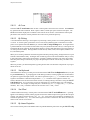
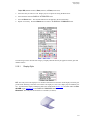
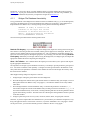
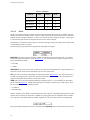
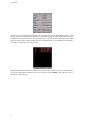
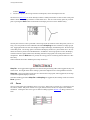
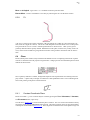
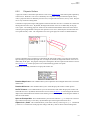
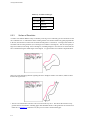
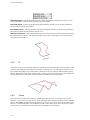
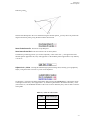
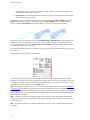
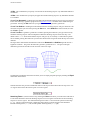
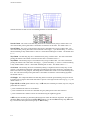
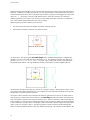
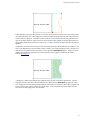
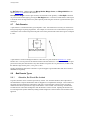
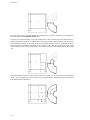
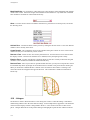
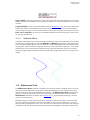
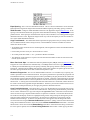
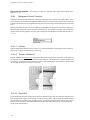
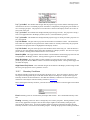
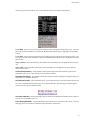
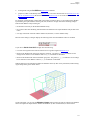
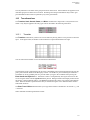
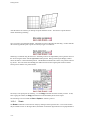
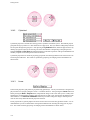
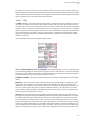
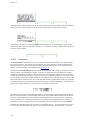
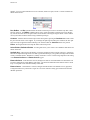
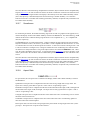
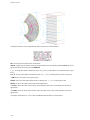
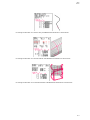
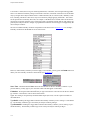
If you choose Unlink Connectors?, only the selected connectors will be modified (in this case by scaling). As you can see in the figure below, only the two vertical connectors were changed and new nodes were
created at their end points. The three horizontal free connectors did not move.
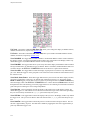
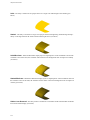
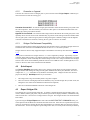
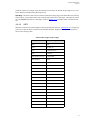
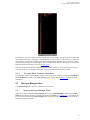
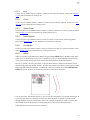
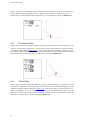
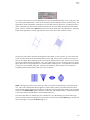
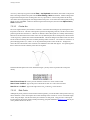
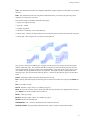
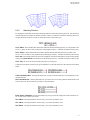
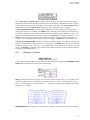
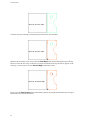
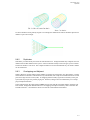
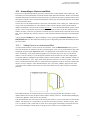
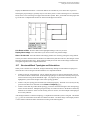
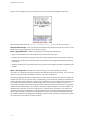
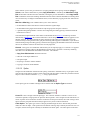
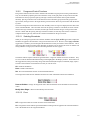
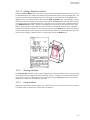
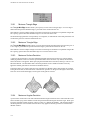
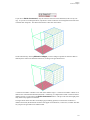
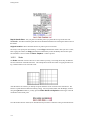
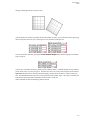
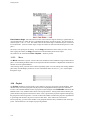
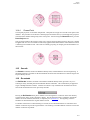
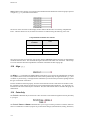
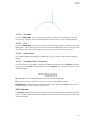
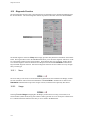
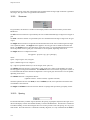
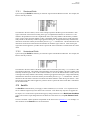
On the other hand, by choosing Maintain Linkages you force Gridgen to update all connectors that are
linked by their nodes to the modified connectors, resulting in the grid shown below.
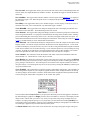
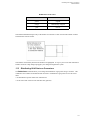
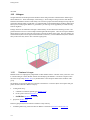
A connector is linked to a domain if it is used on the domain’s edges. A connector is linked to a block if it is
linked to one of the domains that define the block. Fortunately, it is impossible to unlink a connector from a
domain or block, even by pressing the Unlink Connectors? button. This prevents errors that might potentially delete many higher level elements.
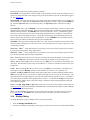
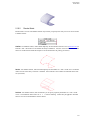
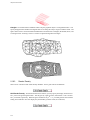
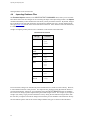
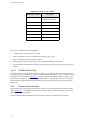
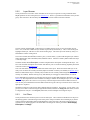
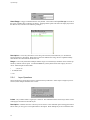
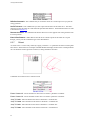
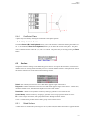
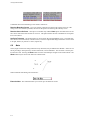
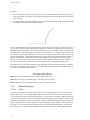
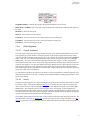
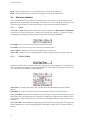
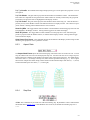
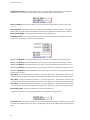
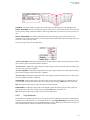
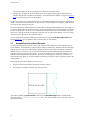
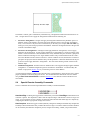
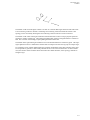
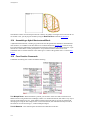
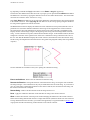
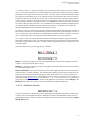
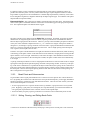
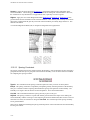
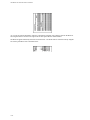
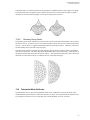
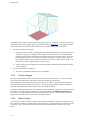
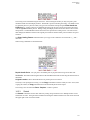
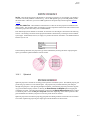
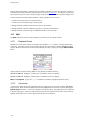
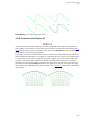
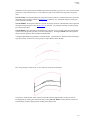
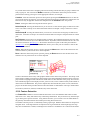
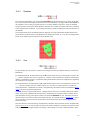
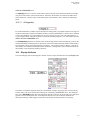
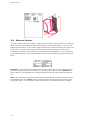
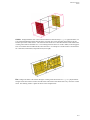
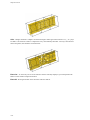
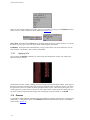
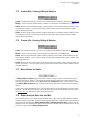
The figure below shows the effect of modifying (by translating upward) a connector that is linked to a
domain and a block (the horizontal connector at the upper left of the block). In this case, no matter what button you press the grid entities will remain linked.
14-5