1
4.6 Player Stats Configuration
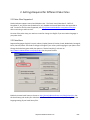
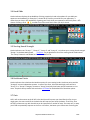
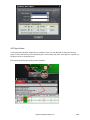
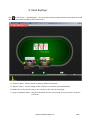
If you click the header of the "Player" column once or twice, you can sort players by the player name
alphabetically or by the seat positions on the game table.
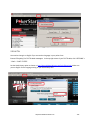
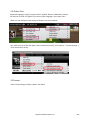
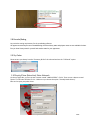
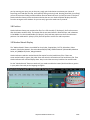
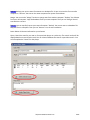
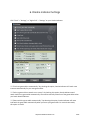
"Right Click" on the stats window, you can see some menu entries as below:
"Reset Current Session". If you click it, the player stats will be reset to 0 for the current session.
"Always Current Session for Me". If you select this option, Omaha Indicator will always display your
own stats for the current session even you select "History Data" option.
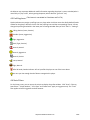
"Grey Out Folded Players". By default, the name of folded players will be grayed out. You can disable
this option.
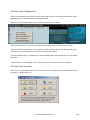
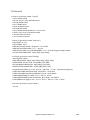
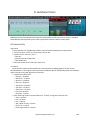
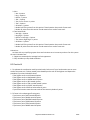
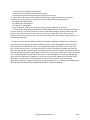
"Select Columns to be Displayed". You can choose which stats columns you prefer to display.
4.7 Player Stats Assistant
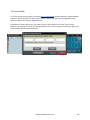
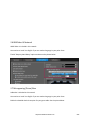
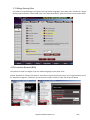
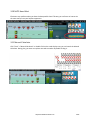
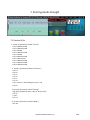
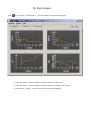
Click "Tools" > "Player Stats Assistant". You can use this tool to manage the stats database files, search
the stats for a player offline, etc.
http://www.OmahaIndicator.com
21/34