1
XPOCAST User Manual
5-2-13
INXPO, Inc.
sent to the registrants. Also, if there are giveaway action points being awarded for registering for the
event, they will be automatically applied to the attendee accounts. Once all fields have been filled out,
click “Submit.” Repeat these steps for each user type to be registered and/or previous event.
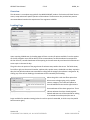
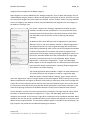
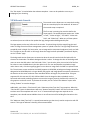
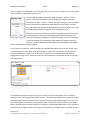
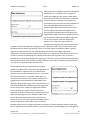
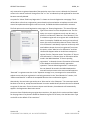
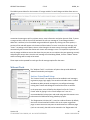
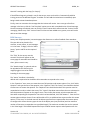
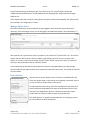
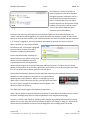
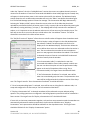
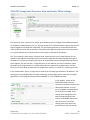
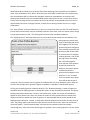
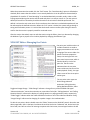
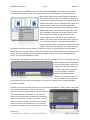
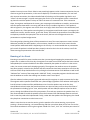
The third option for mass registration is to import a list of
users from a spreadsheet. The first step is to create a
spreadsheet that has each of the registrants on a separate
row. Each attendee attribute should be in a separate column
and correspond to one of the options in the “Value” section
of the column list at the bottom of the mass registration
page. The spreadsheet should be saved as a CSV file and
should not contain more than 5,000 rows. It must contain a
column for email address, password and Login ID at a
minimum. Multiple spreadsheets can be uploaded, if
needed.
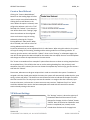
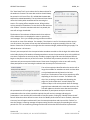
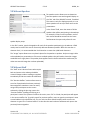
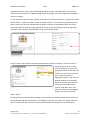
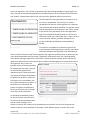
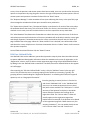
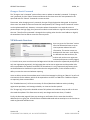
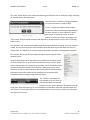
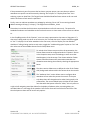
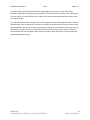
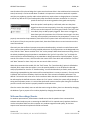
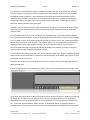
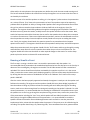
To import the spreadsheet first choose the type of user,
each participant will be registered as. Typically, stand-alone
webcasts participants are registered as the attendee type.
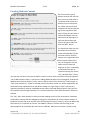
Next, an optional reference code can be assigned to the registrants to identify them in reporting. If the
mass registered attendees need to receive a registration confirmation email, the “Award giveaway
action points and trigger registration confirmations” button should be checked. Please note that if a
registration confirmation email has not yet been created in the Messaging area, nothing will be sent to
the registrants. Also, if there are
giveaway action points being awarded
for registering for the event, they will
be automatically applied to the
attendee accounts. Some participants
may already exist within the database.
To update their profiles to reflect the
information in the spreadsheet, click
the “Update existing users’ profiles.” If
this button is left unchecked, the
system will register the participants
for the current event but not change
any of their profile information.
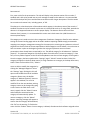
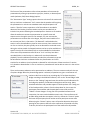
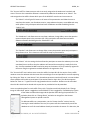
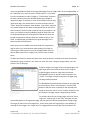
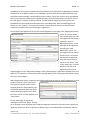
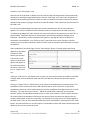
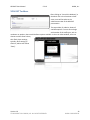
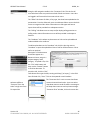
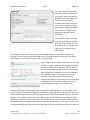
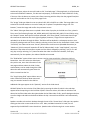
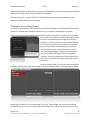
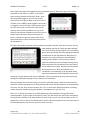
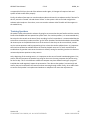
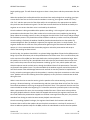
To upload the spreadsheet, browse
for the CSV file then check the box if
the first row of the spreadsheet does
contain column headings. In the
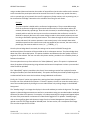
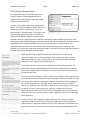
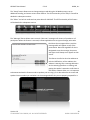
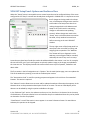
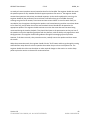
column list section, each column on the spreadsheet must be listed. The Col # row references the
column number on the spreadsheet. For example, if email address appears in column five on the
Version 2.0
© COPYRIGHT 2013 INXPO, INC. ALL RIGHTS RESERVED.
20
INXPO CONFIDENTIAL