1
XPOCAST User Manual
5-2-13
INXPO, Inc.
Overview
This document is a complete user guide for the INXPO XPOCAST product. Each section will detail how to
access, setup and execute specific portions of the webcast. The document also provides best practice
recommendations based on the experience of the engineers at INXPO.
Landing Page
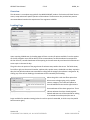
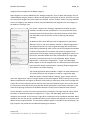
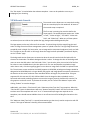
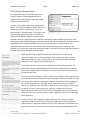
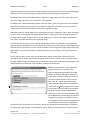
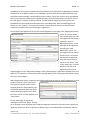
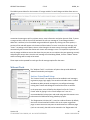
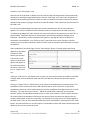
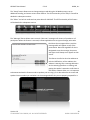
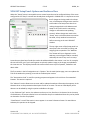
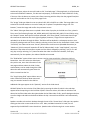
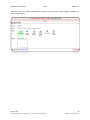
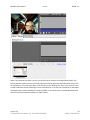
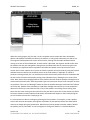
Upon accessing VX Webcasts, the landing page will have a variety of options available. From the options
on the left navigation users will be able to create a new webcast, see which webcasts have opened in
the last 24 hours, see which webcasts will be opening in the next seven days and see which webcasts are
set to expire in the next 14 days.
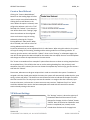
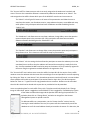
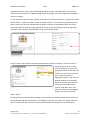
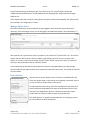
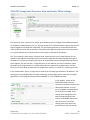
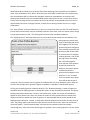
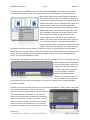
The grid in the main portion of the page shows all webcasts setup within that tenant. The fields shown,
from left to right, are the event ID number, webcast title, speaker name, scheduled start date, expiration
date, the last date the webcast was accessed for editing and the category the webcast is assigned to. By
clicking any of the column headings, the webcasts will be resorted by that heading.
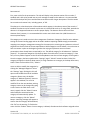
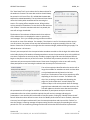
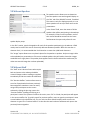
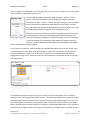
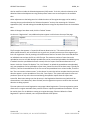
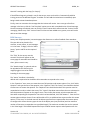
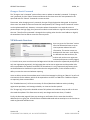
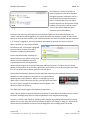
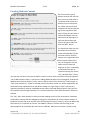
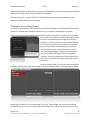
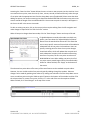
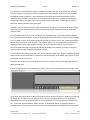
Above the grid is a real-time filter option that
allows users to begin typing a title, speaker
name or category. The results will update to
show all webcasts that meet the typed criteria.
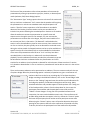
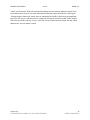
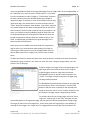
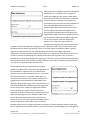
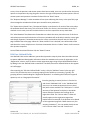
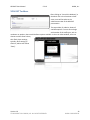
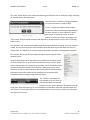
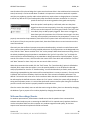
Some webcasts will be shown grayed out. These
indicate webcasts that have already expired.
Expired webcasts can still be accessed for editing
or to extend the archive period, but are no
longer available for attendee viewing (unless the archive period is extended, in which case, they would
become active again).
Version 2.0
© COPYRIGHT 2013 INXPO, INC. ALL RIGHTS RESERVED.
2
INXPO CONFIDENTIAL