1
ProtectDrive Administration Guide
Chapter 6
The Multiple Boot System
Administrative Procedures
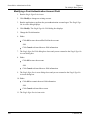
Configuring After ProtectDrive Installation Over an Existing System
1. Install ProtectDrive on the system.
2. Either:
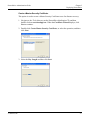
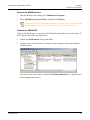
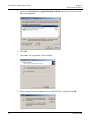
Run the Single Sign-On Assistant (ssoassistant.exe) to configure the SSO settings.
-ORImport an SSO configuration by running the registry file (*.reg) exported from the
Single Sign-On Assistant.
Configuring After Installing Additional Software to the ProtectDrive
System
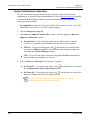
1. Install additional software to the ProtectDrive system that installs a replacement GINA.
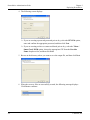
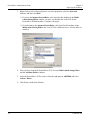
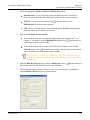
2. Run the Single Sign-On Assistant, which detects the new replacement GINA and
prompts if you would like to chain the replacement GINA with the ProtectDrive GINA.
3. Either:
Select not to chain the GINA. You are warned of the security implications of that
selection. ProtectDrive cannot provide single sign-on and cannot enforce the login
method.
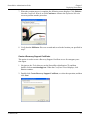
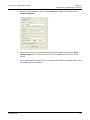
-ORSelect to chain the replacement GINA, so the Single Sign-On Assistant chains the
GINA and you can set the GINA configuration.
You must run the Single Sign-On Assistant after the installation of any additional
software.
98
© SafeNet, Inc.