1
ProtectDrive Administration Guide
Chapter 7
Configuring Default System and User Policy
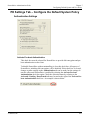
PD Users Tab – Configure the Default User Policy
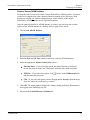
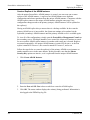
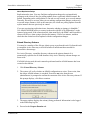
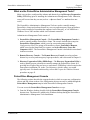
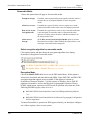
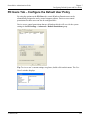
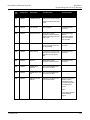
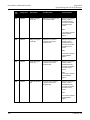
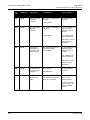
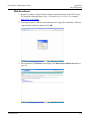
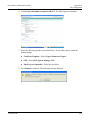
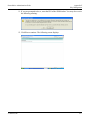
By using the options on the PD Users tab, certain Windows Domain users can be
automatically assigned to newly created computer objects. Device access control
permissions for these users can also be configured here.
Device access control permissions that are defined on this tab will override the system
settings in the PD Settings > Advanced > Default Permissions group.
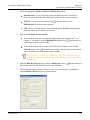
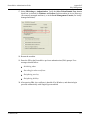
Tip: To view a user’s current settings at a glance, double-click on their name. The User
Details window displays.
© SafeNet, Inc.
129