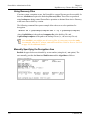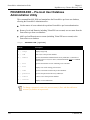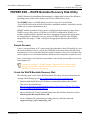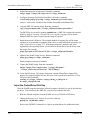
1
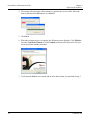
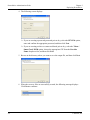
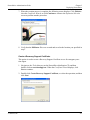
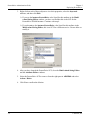
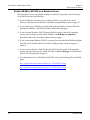
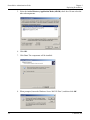
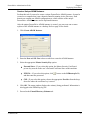
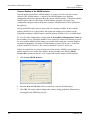
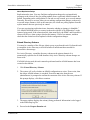
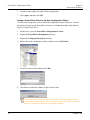
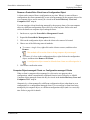
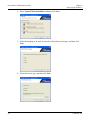
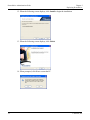
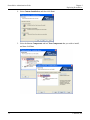
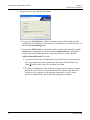
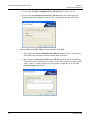
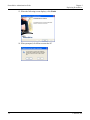
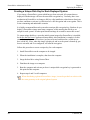
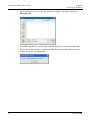
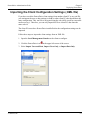
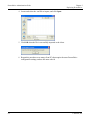
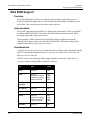
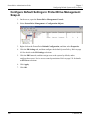
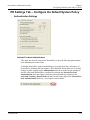
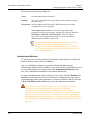
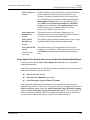
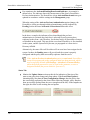
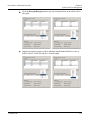
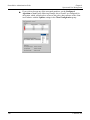
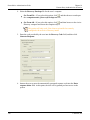
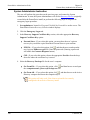
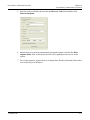
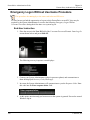
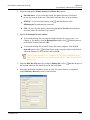
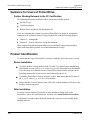
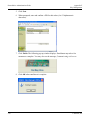
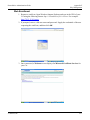
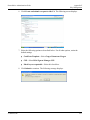
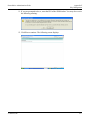
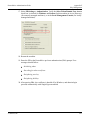
ProtectDrive Administration Guide Chapter 5 Deploying ProtectDrive 8. The following screen displays. Click Install to continue. 9. When the installation is complete, the following screen displays. Leave the Launch Directory Preparation Utility check box enabled if you want PDDirPrep to run immediately after the installation is complete. Refer to the next section for more information on this utility. De-select the Launch Directory Preparation Utility check box if you do not want PDDirPrep to run immediately after the installation is complete. 10. Click Finish. shortcut named ProtectDrive Management When the installation completes, a Console is added to the Windows desktop. 54 © SafeNet, Inc.