1
ProtectDrive Administration Guide
Chapter 10
Extraordinary Authentication Scenarios
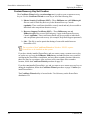
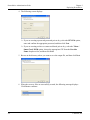
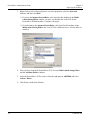
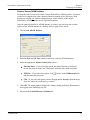
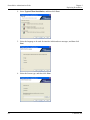
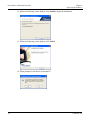
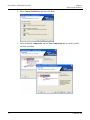
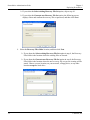
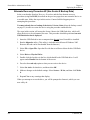
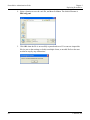
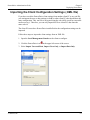
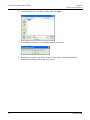
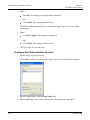
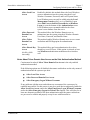
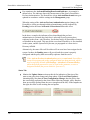
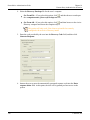
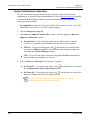
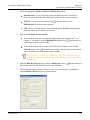
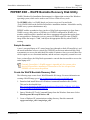
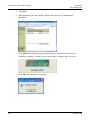
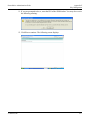
4. Select the Recovery Envelope file for the user’s computer:
Get From File—If you select this option, click , and then browse to and open
the <computername>_RecoveryEnvelope.env file.
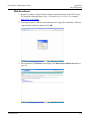
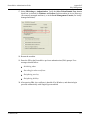
Get From AD—If you select this option, click , and then browse to the Active
Directory computer and locate the computer object.
This option will only work if the client was installed as remotely
configured with an Active Directory install.
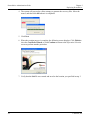
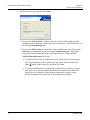
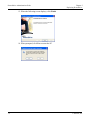
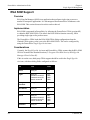
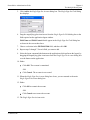
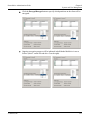
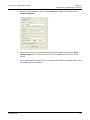
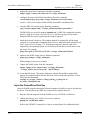
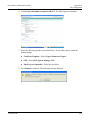
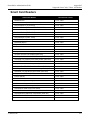
5. Enter the code provided by the user into the Recovery Code field, and then click
Generate Response.
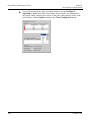
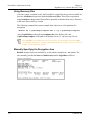
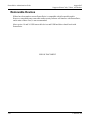
6. Instruct the user to enter the automatically generated response code into the Enter
response below field. At this point, the user will be granted pre-boot access to the
system.
158
© SafeNet, Inc.