1
ProtectDrive Administration Guide
Appendix F
iKey Management
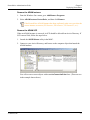
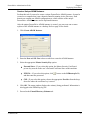
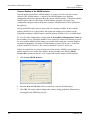
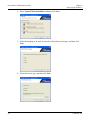
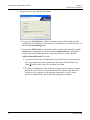
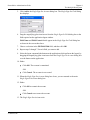
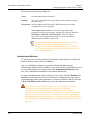
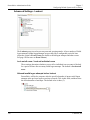
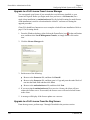
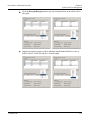
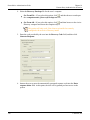
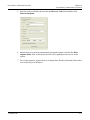
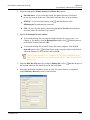
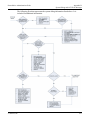
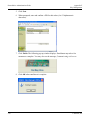
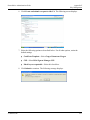
6. Click Create and submit a request to this CA. The following screen displays:
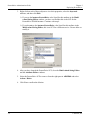
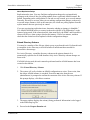
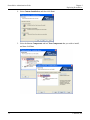
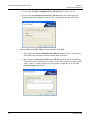
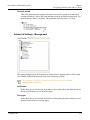
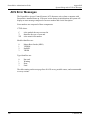
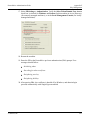
7. Select the following options as described below. For all other options, retain the
default settings.
Certificate Template—Select Copy of Smartcard Logon.
CSP—Select RSA Sign-on Manager CSP.
Mark keys as exportable—Select this check box.
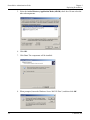
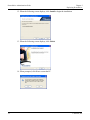
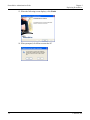
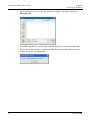
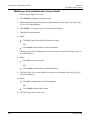
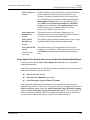
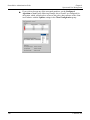
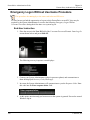
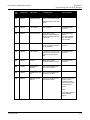
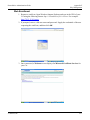
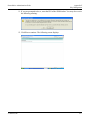
8. Click Submit to continue. The following message displays:
© SafeNet, Inc.
215