1
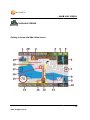
MAIN MAP SCREEN
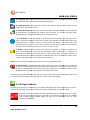
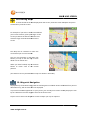
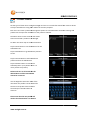
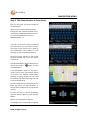
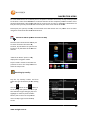
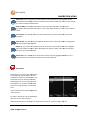
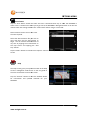
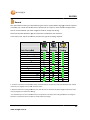
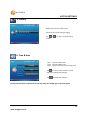
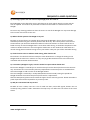
Analogue: The Analogue Speedo provides a
more traditional view. The SpeedAlert™
information is shown by marking the speed limit
in red on the dial. This changes as the speed limit
changes.*
This dial provides a quick visual reference for
checking your speed.
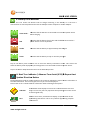
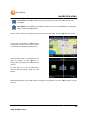
Turn overlays and Red/Speed camera warnings
are displayed on this screen.
User defined limits are also displayed and will override SpeedAlert™ data if a lower speed has been
selected.
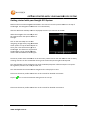
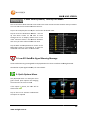
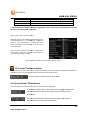
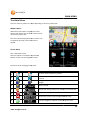
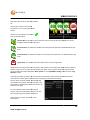
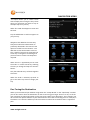
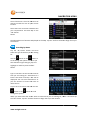
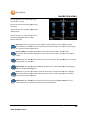
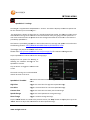
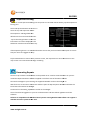
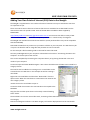
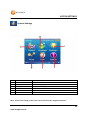
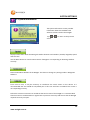
Tap the Stats button to display the Trip
Statistics page. Displayed first is the “Last
Trip Statistics”. This shows the
information about the current route being
navigated. These pages only function in
navigation mode and the data will be
reset each time a new destination is
chosen.
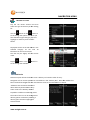
The information can be manually reset
during the route by tapping the “Reset”
button.
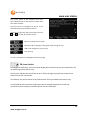
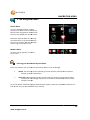
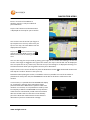
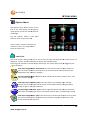
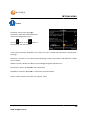
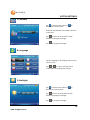
Tap on the
on this page.
button or the
button to scroll up and down to see all the information displayed
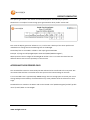
The information displayed is only calculated while the system detects satellite signals and is
explained below.
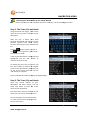
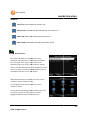
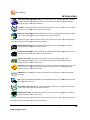
Speeding*
Avg. Speed
Avg. Driving Speed
Max Speed
Total Time
Driving Time
Stopped Time
Shows the amount of time spent over the speed limit.
Average speed of entire trip including time vehicle is stopped
Average speed of the vehicle while in motion
Maximum speed attained by vehicle
Total time vehicle has been on trip
Time that vehicle has been in motion on trip
Time that vehicle or GPS unit has been stopped
21
www.navig8r.com.au