1
GETTING STARTED WITH YOUR NAVIG8R GPS SYSTEM
Getting started with you
your Navig8r GPS System
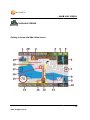
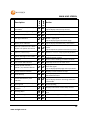
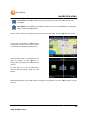
Mount and connect the Navig8r as described in this manual. Press the power button on the top of
the Navig8r. The Navigation software will run automatically.
elp screen is displayed, the start up screen will be shown.
After the Welcome and help
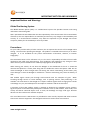
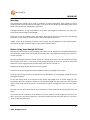
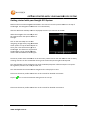
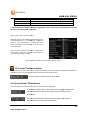
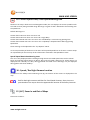
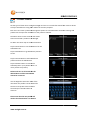
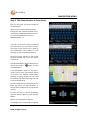
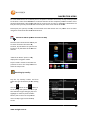
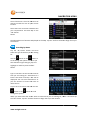
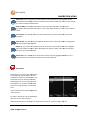
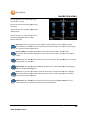
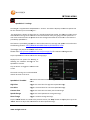
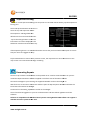
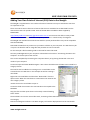
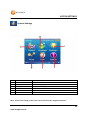
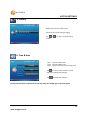
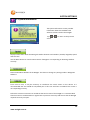
When the Navig8r is first started you will
be presented with the options shown to
the right.
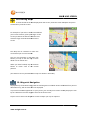
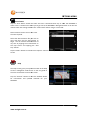
ap Icon to start
Click on the View Map
navigating straight away using the default
driver options or tap the Driver option to
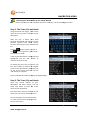
enter your name and license type in to
the Navig8r.
8r. This feature is very useful if
the Navaig8r is to be used by different
drivers that hold different licence types.
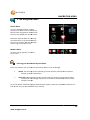
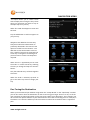
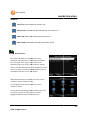
The Driver profile allows each driver to set their own preferences for the look & feel as well as safety
warnings. Drivers can also record their driving route time and supervising driver if required.
The recorded data can be used, with the aid of the Desktop Reporter software to print out reports
for log books, business use or for personal use.
The recorded files can also be used in Google Earth™ to display the route.
Please see the Driver profile section later in this manual for detailed instructions.
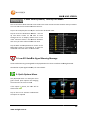
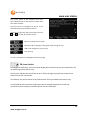
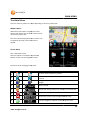
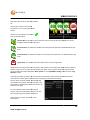
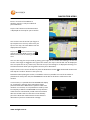
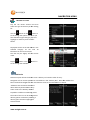
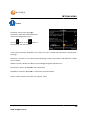
Tap the
icon to remove this screen being shown at start up.
Please see the Driver profile section later in this manual for det
detailed
ailed instructions.
12
www.navig8r.com.au