1
OPTIONS MENU
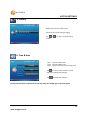
Start Demo
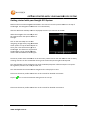
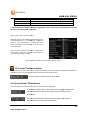
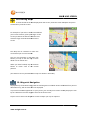
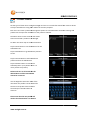
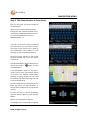
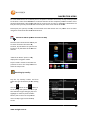
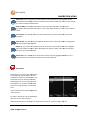
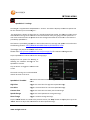
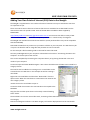
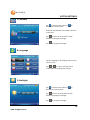
Tap the “Start Demo” button to select and start a demonstration trip to show the NAVIG8R in
action. This is a useful tool to allow you to get use to the NAVIG8R in Navigation
ion mode. It can also be
used to check out settings made in the “Look & Feel” before using it on the road.
Demonstration routes will run at 5 times
the normal speed.
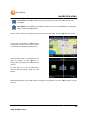
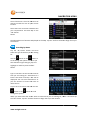
Select the demonstration file you wish to
view and then tap the Start button to
begin. You can end the demonstration at
any time by tapping the menu button on
the map screen and tapping
apping the “End
Trip” button.
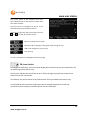
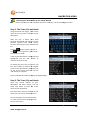
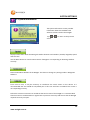
Tap the “Back” Button to return to the “Options” menu or the “Map” button to return the Map
screen.
Help
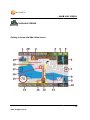
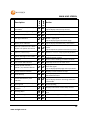
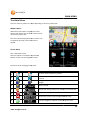
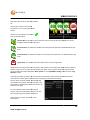
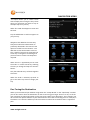
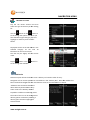
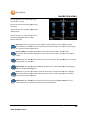
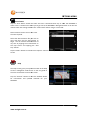
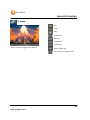
The Help screen gives you a quick overview of the Map
screen in Navigation mode for an on the run guide to
the icons and buttons used on the screen.
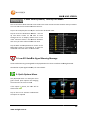
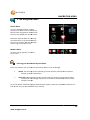
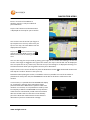
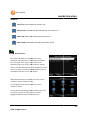
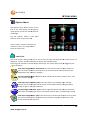
Tap the “Contact” button to view the website details
for information and updatess available for your
NAVIG8R.
49
www.navig8r.com.au