1
RUGGEDCOM ROX
User Guide
Chapter 5
Setup and Configuration
Section 5.6.3
Configuring PPP Multilink over T1/E1
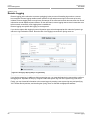
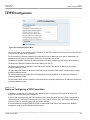
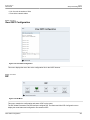
In order to begin creating an MLPPP bundle, click on T1/E1 in the Networking folder of the main Webmin menu.
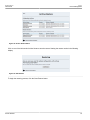
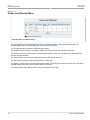
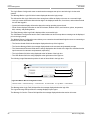
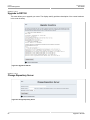
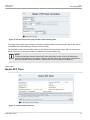
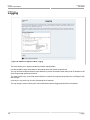
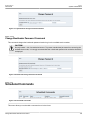
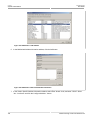
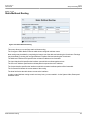
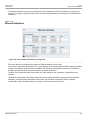
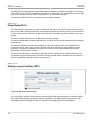
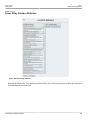
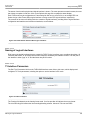
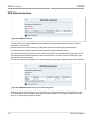
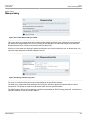
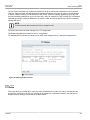
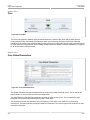
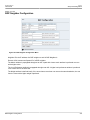
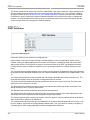
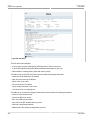
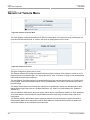
T1/E1 Trunks and Interfaces will display the menu below:
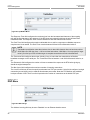
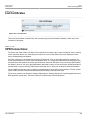
Figure 209: T1/E1 WAN Interfaces
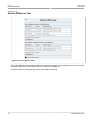
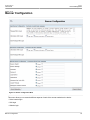
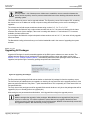
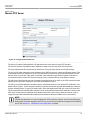
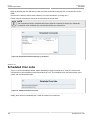
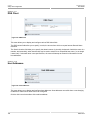
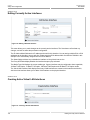
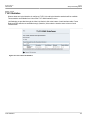
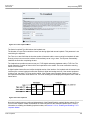
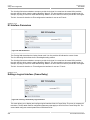
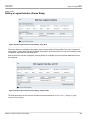
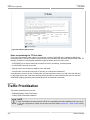
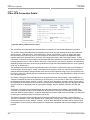
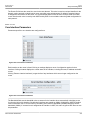
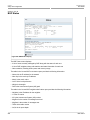
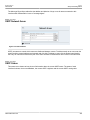
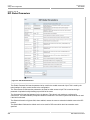
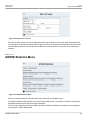
Click on Assign new MLPPP logical interfaces to specify the parameters of the MLPPP bundle. The bundle can
have one or more PPP links over T1/E1.
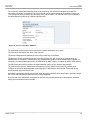
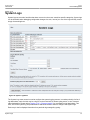
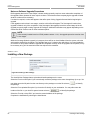
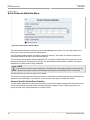
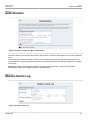
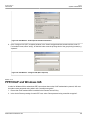
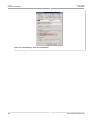
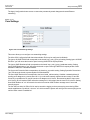
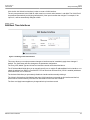
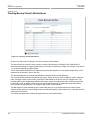
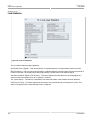
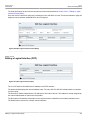
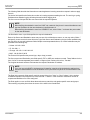
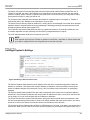
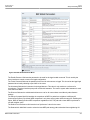
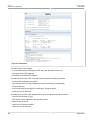
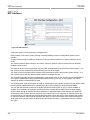
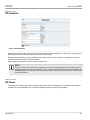
Figure 210: Edit MLPPP Logical Interface Menu
• The Local IP address field specifies the IP address of the MLPPP interface.
• The Netmask field specifies the Network Address mask.
• The Remote Address field specifies the IP address of the remote end of the MLPPP link.
Configuring PPP Multilink over T1/E1
209