1
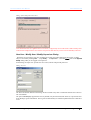
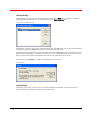
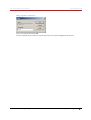
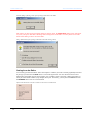
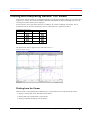
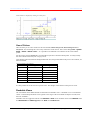
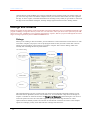
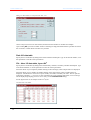
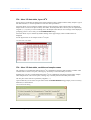
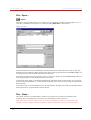
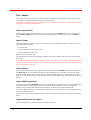
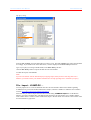
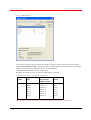
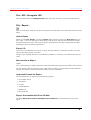
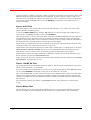
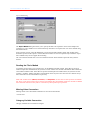
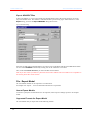
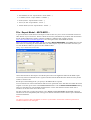
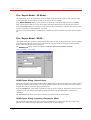
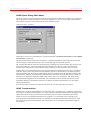
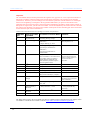
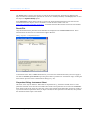
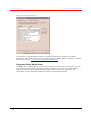
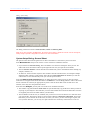
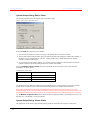
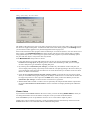
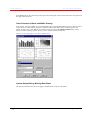
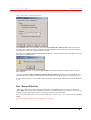
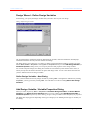
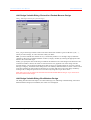
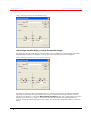
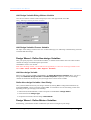
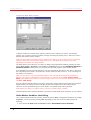
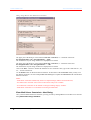
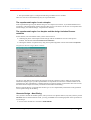
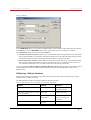
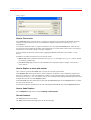
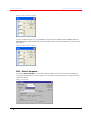
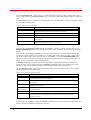
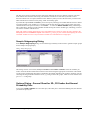
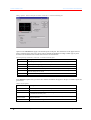
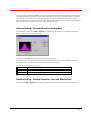
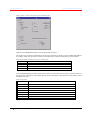
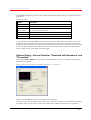
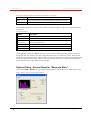
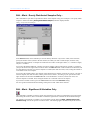
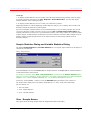
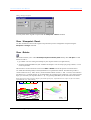
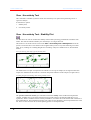
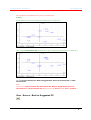
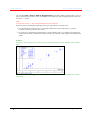
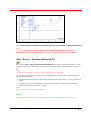
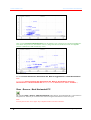
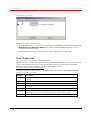
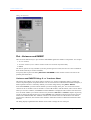
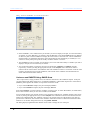
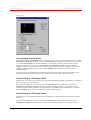
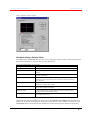
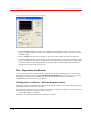
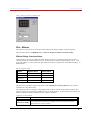
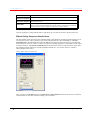
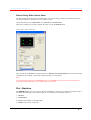
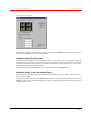
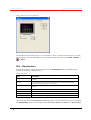
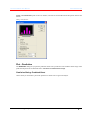
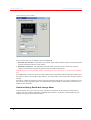
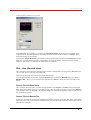
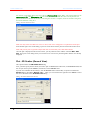
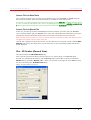
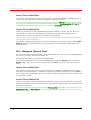
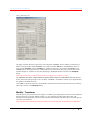
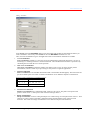
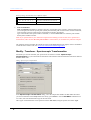
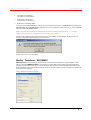
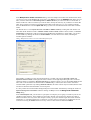
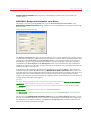
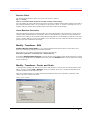
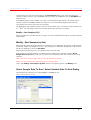
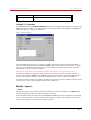
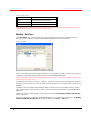
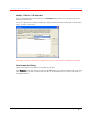
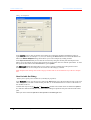
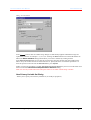
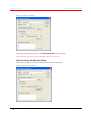
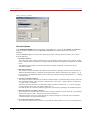
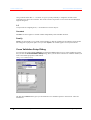
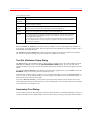
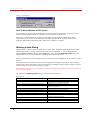
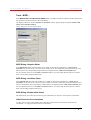
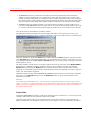
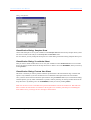
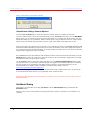
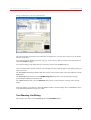
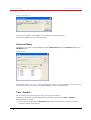
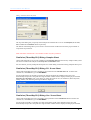
Camo Software AS The Unscrambler User Manual Dialog: Variances and RMSEP - X1- and X2-variance Sheet In the field Plot 1, select which Primary X-variables you want to display in the plot, for a fixed Secondary X-variable. To select All Primary X-variables, click the All button. Note that the Select button is disabled for three-way data. Tick the Total box to display the total variance at the same time. Choose as SecX the fixed Secondary X-variable that determines from which plane the selected Primary X-variable(s) is / are selected. You may either pick up the Secondary variable’s number or its name. The field Plot 2 works in a similar way and allows you to select which Secondary X-variables you want to display in the plot, for a fixed Primary X-variable. You can decide whether you want the variance to be plotted for calibration or validation samples respectively, or both, by ticking the appropriate box(es) in the Samples field. Calibration variance measures the fit of the model to the calibration data. The validation variance is an estimate of the fit of the model to new data not present in the calibration, and is based on the validation. Plot both measures to obtain full information about model fit. Variances and RMSEP Dialog: RMSE Sheet This is a plot of the average prediction error, for either the calibration or the validation samples. In the plot you will find the Root Mean Square Error of Calibration (RMSEC) or Root Mean Square Error of Prediction (RMSEP) plotted against the number of components used in the model. If you select Calibration samples, the plot will display RMSEC. If you select Validation samples, the plot will display RMSEP. In the field Variables, you select which Y-variables you want to plot. To select All variables, click this button, and to enter an Editor where you can select variables, click Select. You can decide whether you want the variance to be plotted for calibration or validation samples respectively, or both, by ticking the appropriate box(es) in the Samples field. Calibration variance measures the fit of the model to the calibration data. The validation variance is an estimate of the fit of the model to new data not present in the calibration, and is based on the validation. Plot both measures to obtain full information about model fit. You can later change that choice by using View - Source. The dialog displays a preview screen. Double-click on this to change the size of the plot. 180 The Unscrambler Menu Options The Unscrambler Program Operation