1
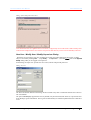
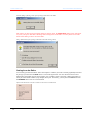
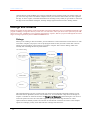
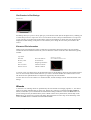
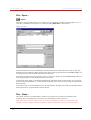
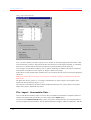
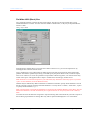
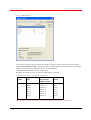
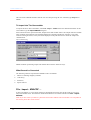
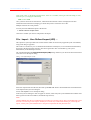
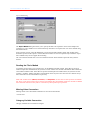
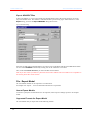
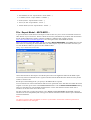
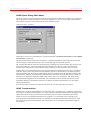
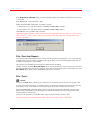
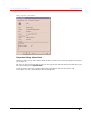
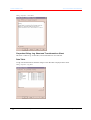
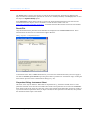
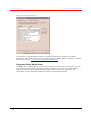
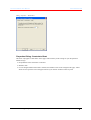
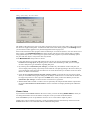
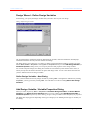
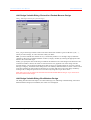
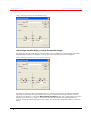
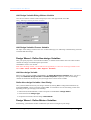
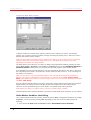
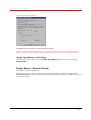
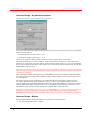
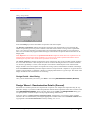
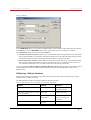
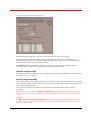
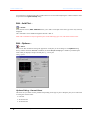
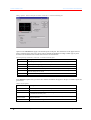
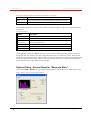
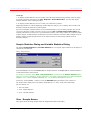
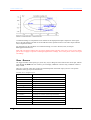
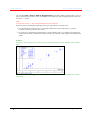
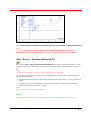
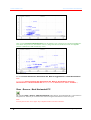
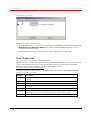
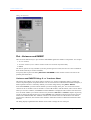
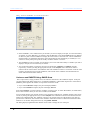
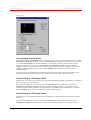
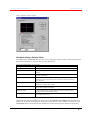
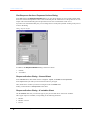
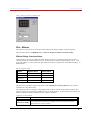
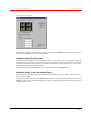
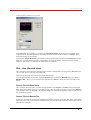
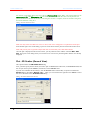
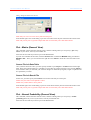
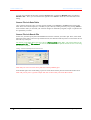
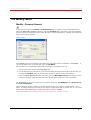
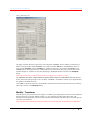
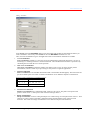
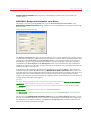
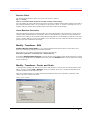
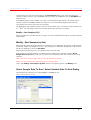
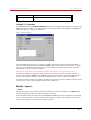
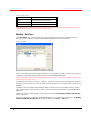
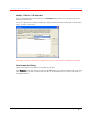
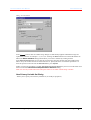
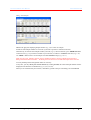
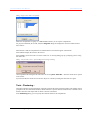
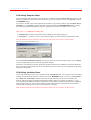
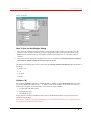
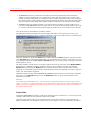
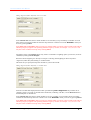
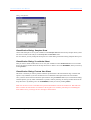
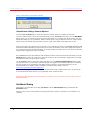
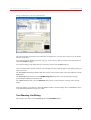
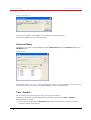
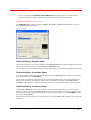
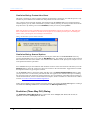
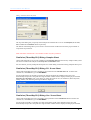
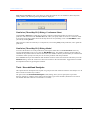
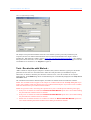
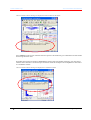
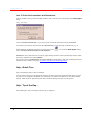
Camo Software AS The Unscrambler User Manual This will create a Matlab formatted .mat file. For more help on using the save command, type help save in Matlab. To Import into The Unscrambler To import the file in The Unscrambler, select File - Import - Matlab. Select the destination filename in The Unscrambler to get the Import Matlab dialog box. Select which selections represent the Data, Sample names and Variable names. The sample name and variable name variables must match the corresponding dimension of the data variable (for example, 5 rows and 4 columns in the figure below) or they will not be displayed in the pull-down choice menus for sample and variable names. Import Matlab dialog Matlab variables representing sample and variable names must be character arrays. What Cannot be Converted The following cannot be imported from Matlab to The Unscrambler: 1. Matrices containing imaginary numbers, 2. Cells arrays, 3. Structures, 4. Sparse matrices. File - Import - MVACDF … In The Unscrambler 7.6 a new import format was implemented to answer the specific needs of one of our major Unscrambler users. This format is called MVACDF and is accessible from the menu File - Import MVACDF. Note: If you also collect your data in a particular format and would like The Unscrambler to be compatible to this format, please take contact with us. 62 The Unscrambler Menu Options The Unscrambler Program Operation