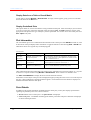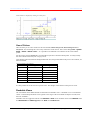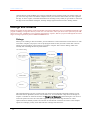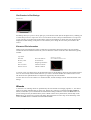
1
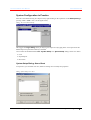
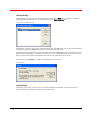
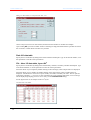
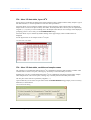
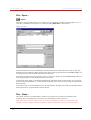
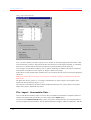
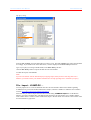
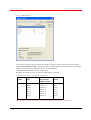
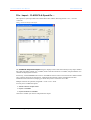
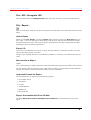
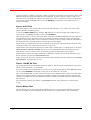
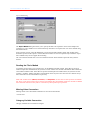
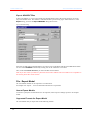
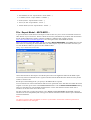
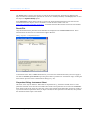
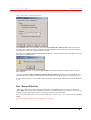
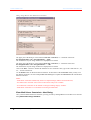
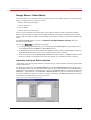
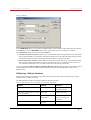
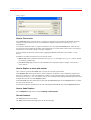
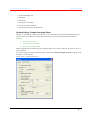
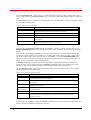
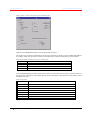
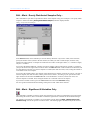
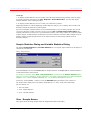
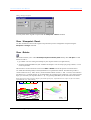
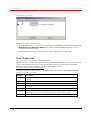
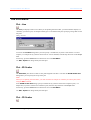
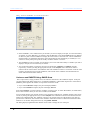
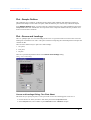
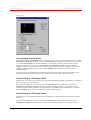
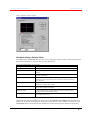
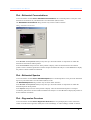
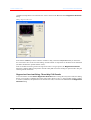
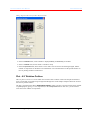
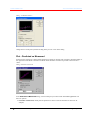
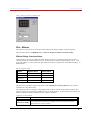
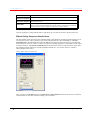
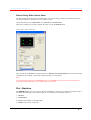
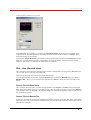
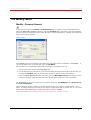
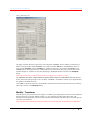
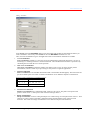
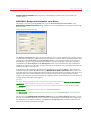
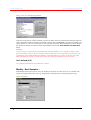
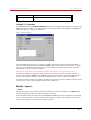
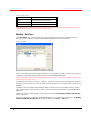
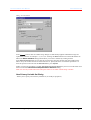
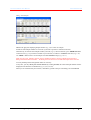
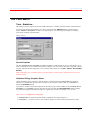
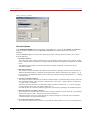
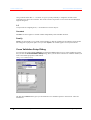
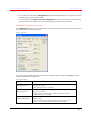
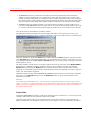
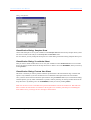
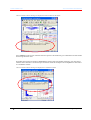
The Unscrambler User Manual Camo Software AS File - Import - CLASS-PA & SpectrOn … This option lets you import data from Guided Wave files with the following formats: *.asc, *.scn and *.autoscan. Dialog: CLASS-PA & SpectrOn Import The CLASS-PA & SpectrOn Import dialog box displays a list of files from which you may import Guided Wave data. File name, number of X-variables, names of the First and Last X-variables, Step and number of Yvariables are displayed for each file. If necessary, click the Browse button close to the Look in: field in order to access files from a different folder. Once you have selected a file from the list, information about the file contents is displayed in the File information field at the bottom, helping you check that you have chosen the correct file. Multiple selections are possible, using Shift + Click or Ctrl + Click. You may select 3 additional options: Add file name to sample name Import Y-Variables Import Predicted Y-Variables Click OK to validate your choices and perform the import. The Unscrambler Program Operation The File Menu 63