1
JPEG2000 Stand alone DVR User Guide
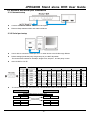
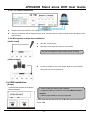
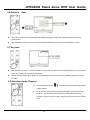
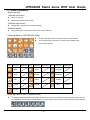
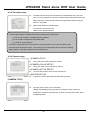
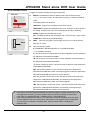
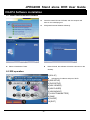
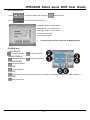
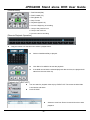
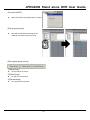
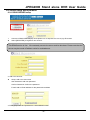
3-10-4 SEARCH BAR
Using Jog-shuttle or +/- keys to select the recording percentage of the search bar. Press “ ENTER ”key to
confirm and start the playback.
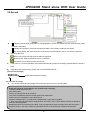
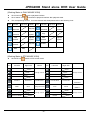
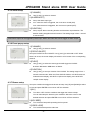
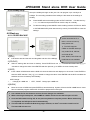
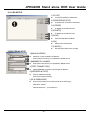
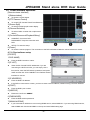
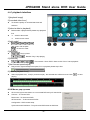
3-10-5 TIME/DATE
1.[START] The start time and date of recording
It shows that the start time and date of the recording data.
2.[END] The end time and date of recording
It shows that the end time and date of the recording data.
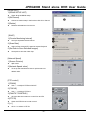
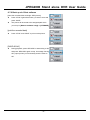
3.[INPUT DATE/TIME] Input the appointed time and date to start playback.
Select the time and date by +/- key to adjust numbers and by ef key to adjust the cursor position.
Then press “ Enter ”to start playback.
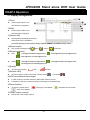
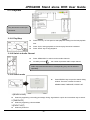
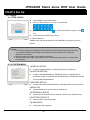
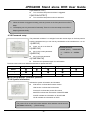
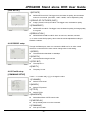
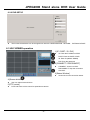
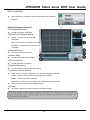
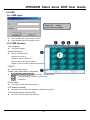
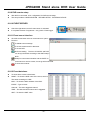
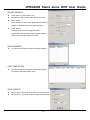
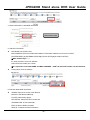
3-10-6 EVENT LIST
CH- shows the channel in which the event happened
EVENT- shows the type of events: Motion detection (MOT), Image lost (LOS), Alarm trigger(ALM).
TIME/DATE- shows the event time and date.
DVR keeps up to 1000 events in itsEVENT LIST.
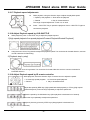
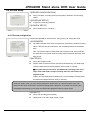
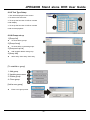
Using
key to select events and +/- key to change pages.。
- 21 -