1
JPEG2000 Stand alone DVR User Guide
CHAP.1 Appearance
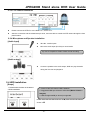
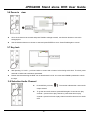
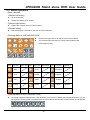
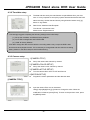
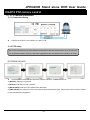
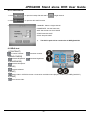
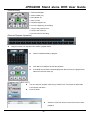
1-1 Front panel introduction
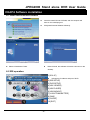
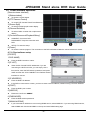
1.[CD-RW]
Built-in CD-RW for CD back-up.
2.[SWAP HDD]
Connect HDD.
3.[USB Port]
Connect USB memory stick for backup.
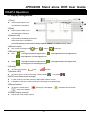
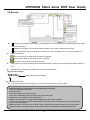
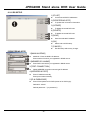
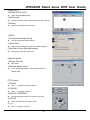
4.[1~16 Channel Button]
witch full screen among channels, 1 for Channel 1, 2 for Channel 2, and so on.
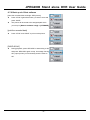
5.[PTZ]
Press [PTZ] to enter the PTZ control mode. Press the PTZ buttons to control the PTZ camera directly.
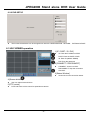
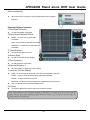
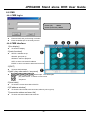
6.[MODE]
Switch among full and split screen displays.
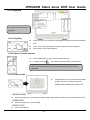
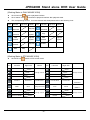
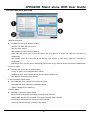
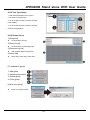
7.[Control]
SEQ/AUDIO- Press quickly for AUDIO, and press and hold for 3 seconds to enter SEQ mode.
SEQ -Full screen sequencing or the smaller screen sequencing in PIP mode.
AUDIO- Press to play the audio, and press again to go to the next audio channel.
PIP- To enter the Picture in Picture mode from full screen mode.
NEXT- Go to the next PTZ command in PTZ mode.
Go to the next channel in full screen display and the next page in split screen display.
ZOOM- To enlarge the picture. Use the direction buttons and move to the area to be enlarged.
FREEZE- Freeze in full screen or split screen.
PTZ- Press [PTZ] to enter the PTZ control mode.
-6-