1
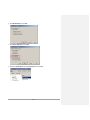
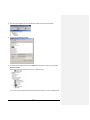
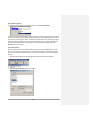
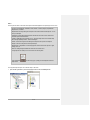
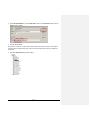
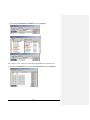
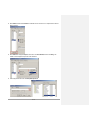
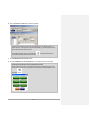
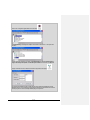
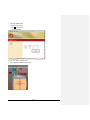
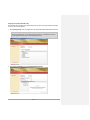
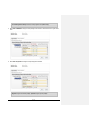
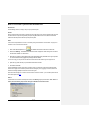
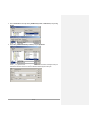
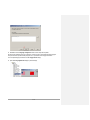
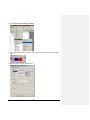
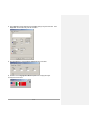
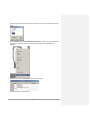
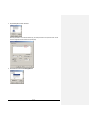
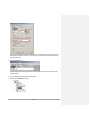
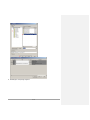
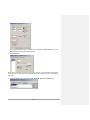
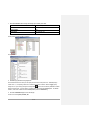
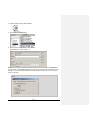
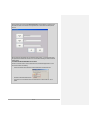
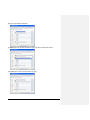
3. Perform the following steps: Enter \Network\DataLog\SuperJuice.csv for the Initial Value: - this is the mapped folder name located in the Network folder on the PanelView Plus 6 terminal along with the desired name of the csv file that will be created. Check Retentive – we will not be changing this location during runtime. Click Accept to save the changes. 4. Close the HMI Tag database. Next, let’s configure the ActiveX control. 1. Open the 100 Startup Pop Up display by double clicking it. 2. Double click MEDataStorePlus2 to bring up its properties. 61 of 101