1
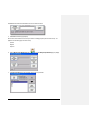
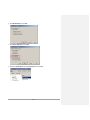
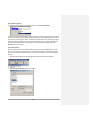
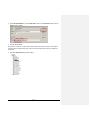
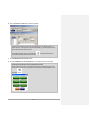
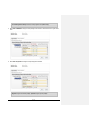
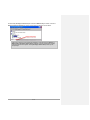
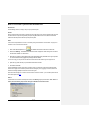
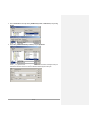
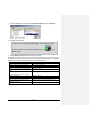
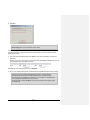
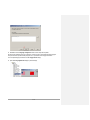
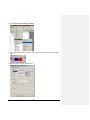
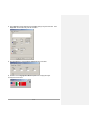
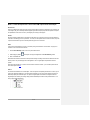
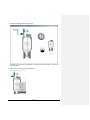
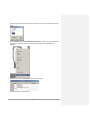
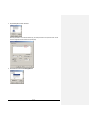
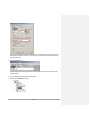
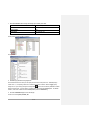
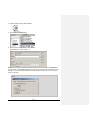
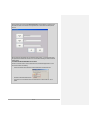
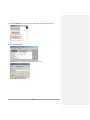
In addition, the Login button configuration has been changed to include the ability to make the domain name
visible in the login window at runtime.
Tips:
-
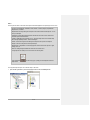
The DEFAULT user cannot use these new User Management buttons.
-
Only FactoryTalk Security and Windows-linked users and groups can be managed using these buttons.
-
Important: Users and Groups added at runtime will not have any security codes configured until they are
added to pre- existing Groups that have been configured with access codes.
-
Removing a Windows-linked user or group at runtime will not remove the user from the Active
Directory. This action will only remove the user or group from the application.
-
You can’t manage a Windows-linked account from the runtime such as change password, disable the
account, etc. This is done within Active Directory.
-
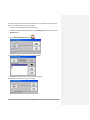
When adding a Windows-linked user or group to an application on a PanelView Plus 6 or PanelView
Plus 7 terminal, user will be prompted to enter an authorized user name and password. The user will
then have a 5 minute window during which Windows-linked users or groups can be successfully
added. When 5 minutes has passed, the user will be asked to log in again.
-
Any changes made to users and groups during runtime are contained within the runtime file. It is highly
suggested that the runtime file be transferred and restored on a computer with FactoryTalk View Studio
in order to be retained and maintained.
-
It is recommended that access to these buttons be limited in the application to reduce unplanned
modifications.
-
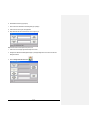
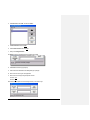
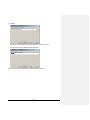
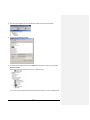
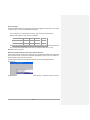
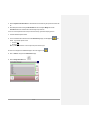
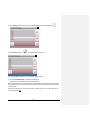
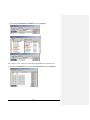
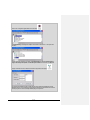
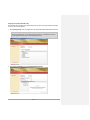
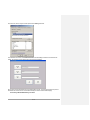
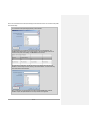
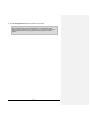
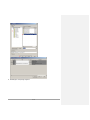
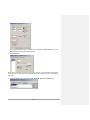
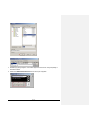
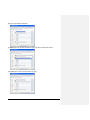
Text on the above management windows will be included in string exports for Language Switching
purposes.
21 of 101