1
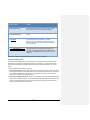
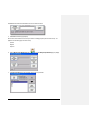
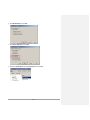
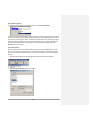
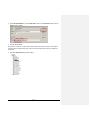
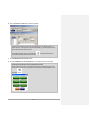
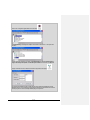
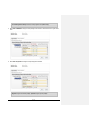
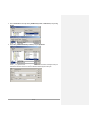
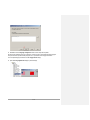
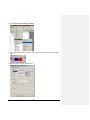
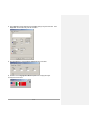
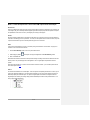
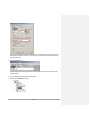
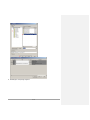
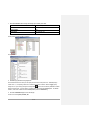
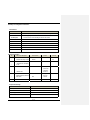
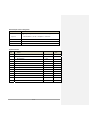
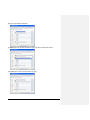
7. Finally, select 20 2-State Device and assign its security settings as shown below.
Engineers are given write and view privileges. Operators are denied access.
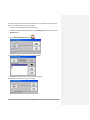
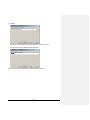
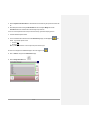
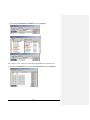
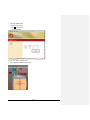
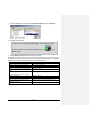
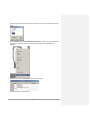
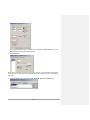
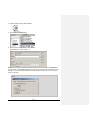
8. Click Save to apply the security settings.
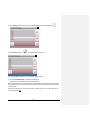
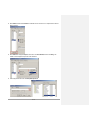
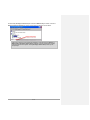
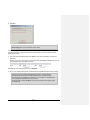
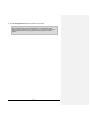
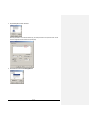
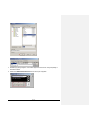
9. Close the FactoryTalk® ViewPoint Administration Tool window.
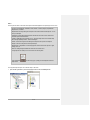
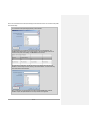
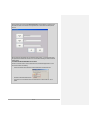
This scenario demonstrated how a PanelView Plus 6 terminal can be accessed remotely without disrupting production or
interfering with the local operator. Furthermore, security can be applied to the published displays to limit access to the display
itself or provide view access only.
Module 4 – Reduce Travel Cost & Remote Troubleshooting Capability - Remote Display Access with
VNC
Business Issue
Laura, Production Supervisor, is looking for a better and faster way to understand why production is down at a plant in a different
location and to provide assistance to the operator, Mark.
Solution
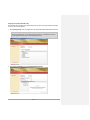
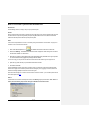
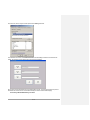
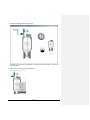
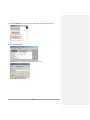
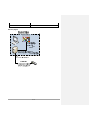
The application uses the TerminalInfo ActiveX control in order to obtain the IP Address of the terminal without the need to
shutdown the application. Once the terminal’s IP Address has been obtained, it is provided to Laura. Laura connects to the
51 of 101