1
6.7 Action Buttons
6.7.1 Logging in and Refreshing a Session
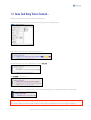
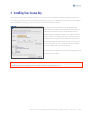
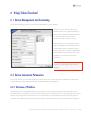
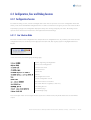
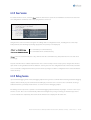
The L og i n -button brings up the login dialog again. All three sessions will be terminated and you have to
enter your connection information again.
The Refresh -button is used to reload the current session only (i.e. the session selected by the tab above the main viewing
window). It remembers the passwords you initially typed, terminates the current session and reloads it. This is being used
mainly to refresh the configuration view in the main window after having applied some modifications.
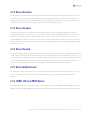
6.7.2 Commit and Revert
These two buttons should be used with caution. They are used to control the routers non-volatile memory
(NVRAM). What you see in the configuration view is the “running-configuration” of the router, the
configuration in the routers volatile memory (RAM). Any configuration changes you make will be lost after a reboot (or
reload) of the router, unless you copy the current configuration to the non-volatile memory (NVRAM). Note that if you
either c ommi t or rever t the current configuration, the displayed configuration is consistent with what the router will use
at the next reboot phase. Otherwise, the router will fallback to the last committed variant of your configuration.
6.7.2.1 Commit
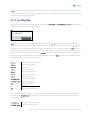
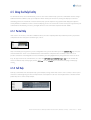
This button will commit any changes in the running configuration and make them permanent (by writing it to NVRAM).
After a reboot of the router, uncommitted changed will be lost. The commit button is equivalent to typing
Router# write
Router# show config
in an exec session. This button also will automatically reload the configuration written. It will reload from the non-volatile
memory in this case, as they’re identical at this point, but will reload more quickly than loading the running configuration.
6.7.2.2 Revert
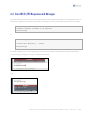
The rever t button will revert to the last committed version of the routers configuration. Any changes since the last
committed version will be undone. The commit button is equivalent to typing
Router# configure memory
Router# show config
Telconi Terminal Users’s Manual, ©2005 Telconi GmbH, Munich, Germany (DOCV1.0.2)
30/37