1
User’s Manual: Design Wizard
Table of Contents
Section 1: The Design Wizard
Introduction………………………………………...3
Getting Started…...…………………………….….5
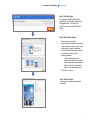
Start a Project……………..…………………….…6
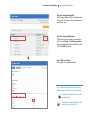
Opening an Existing Project ……………………7
Section 2: Tools Panel
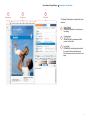
General View…………………………………….…9
Navigation………………………………………....10
Logo………………………………………………...11
Cobranding Logo Usage………………………..12
Identity Band……………………………………...13
Text Tools………………………………………....14
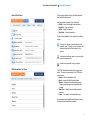
Images……………………..……………………….16
Background…………………………………...…..19
Section 3: Completing and Managing Projects
Generating a PDF……………………………..….21
Generating a HTML Newsletter…………..…... 22
Printing a 4-Page Brochure ……..……………. 23
Adding and Naming Projects…….…………….25
Moving and Copying Projects………………….26
Sharing a Project………………………...……….27
2