1
User’s Manual: Design Wizard
1
2
3
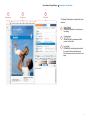
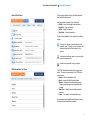
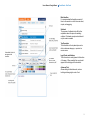
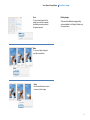
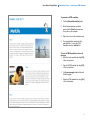
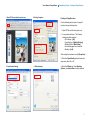
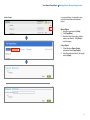
Page Preview
Preview Area
Tools Panel
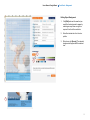
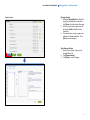
Tools Panel – General View
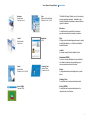
The Design Wizard panel is divided into three
sections:
1
2
3
Page Preview
Shows the page that is currently open
for editing
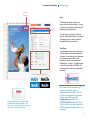
Preview Area
Allows the user to preview what their
project will look like.
Tools Panel
Contains tools for editing objects within
the project. More information about
the tools panel can be found on the next
page.
9