1
User’s Manual: Design Wizard
Getting Started
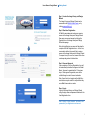
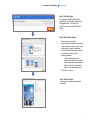
Step 1: Locate the Image Library and Design
Wizard
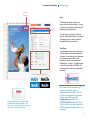
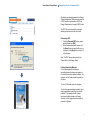
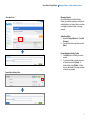
The Image Library and Design Wizard can be
accessed via the MetLife Brand Center, or by
visiting www.metlife.i-g.pl.
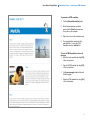
Step 2: New User Registration
All MetLife associates and vendors can receive
access to the Image Library and Design Wizard.
New users can request access by clicking the
Register link on the Image Library and Design
Wizard homepage.
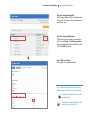
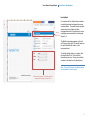
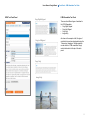
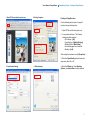
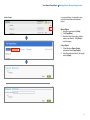
After clicking Register, new users will be asked to
complete the User Registration form. In this form,
users select whether they would like to receive
access to the Image Library and/or Design Wizard.
If a request is only for one tool, access to the other
can always be granted at a later date.
Step 3: Account Approval
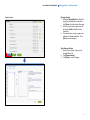
Upon completion, the User Registration form will
be automatically submitted for approval to Global
Brand. Approval is granted within 1-2 business
days. Once approval is granted, users will be
notified through e-mail of account activation.
Note: Users that do not register with a MetLife email address may be asked to verify whether they
are a MetLife associate or vendor.
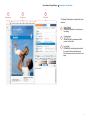
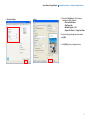
Step 4: Login
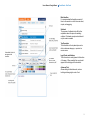
Login to the Image Library and Design Wizard
using the login name and password selected in the
User Registration form.
Note: Clicking “Forgot Password” will send a new
password to your registered e-mail account.
5