1
User’s Manual
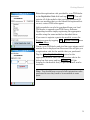
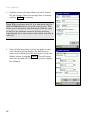
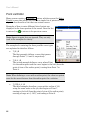
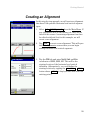
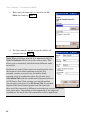
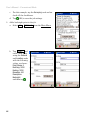
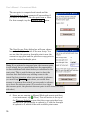
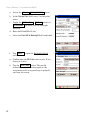
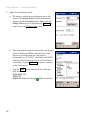
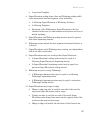
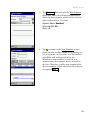
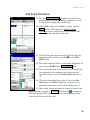
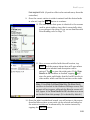
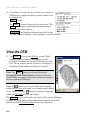
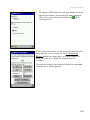
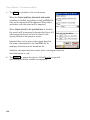
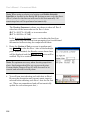
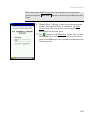
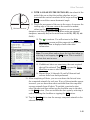
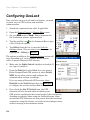
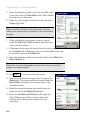
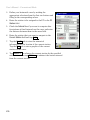
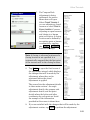
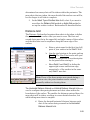
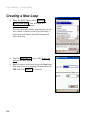
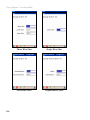
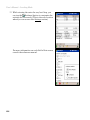
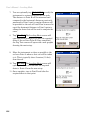
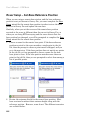
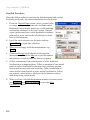
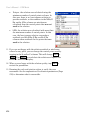
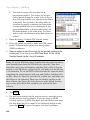
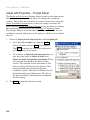
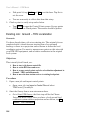
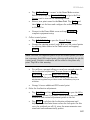
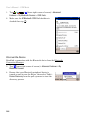
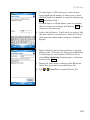
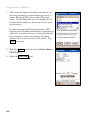
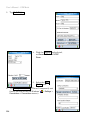
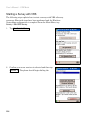
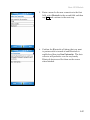
3. Another screen will open where you select some of
the job settings. Select the settings that you desire
and tap Next > to continue.
Note: When creating a new job, it is important that the
Units for Distances field be set to the correct units. This
allows you to seamlessly switch between different units
in mid-job, but problems can arise if these units are
inadvertently set to the incorrect units when new data is
collected.
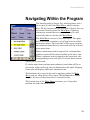
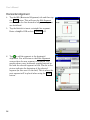
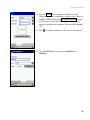
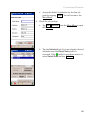
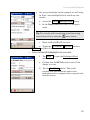
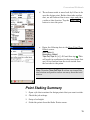
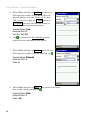
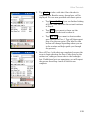
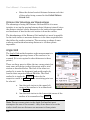
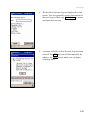
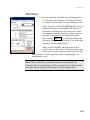
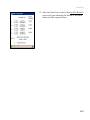
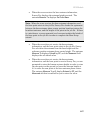
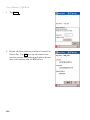
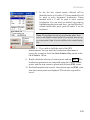
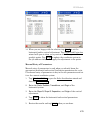
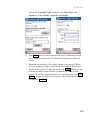
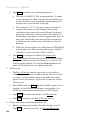
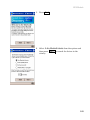
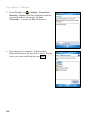
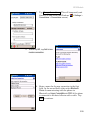
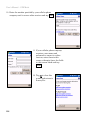
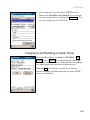
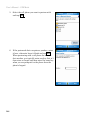
4. Since all jobs must have at least one point to start
with, the final screen displays the default point
name and coordinates for the first point. Accept the
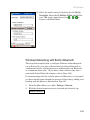
default values by tapping Finish . This will create
and store the new job. You are now ready to explore
the software.
12












![[Unlocked] GUÍA DEL USUARIO FOCUS 30 V 1.02](http://vs1.manualzilla.com/store/data/006176544_1-0930e4412e813c25403ac67d81b514d6-150x150.png)