1
FLYING SAFETY WARNINGS
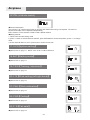
Special Symbol Instruction
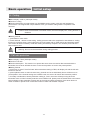
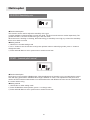
Caution
To use the product safely, please pay attention to the instruction as follows.
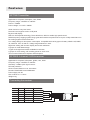
Please pay special attention to the symbol as follows:
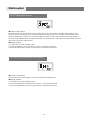
Dangers:If you use it without proper operation, it is possible to hurt you seriously or
may even cause death.
Warning
Warnings:If you use it without proper operation, it may make you or others to hurt badly
or may even cause death, and it may cause slight hurt or damage to things.
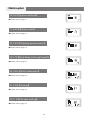
Notices:If you use it without proper operation, it may cause you to hurt slightly or
damage things , but it won't hurt you seriously normally.
Notices:Children under 14 must be accompanied and instructed by adults!
Notices: Turn on the transmitter first, then the receiver. When turning off the system,
turn off the receiver first, then the transmitter.
Notices: changes or modifications not expressly approved by the party responsible for
compliance could void the user's authority to operate the equipment.
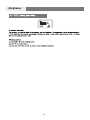
Flying Notice(warning)
Prohibition
Do not fly at night , in rain day ,or in strong wind, which will damage the device or plane.
This device is not water-proof.
Please check every servo works properly and eliminate any disturbing signals before
you play it.
6