1
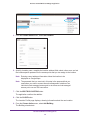
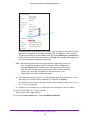
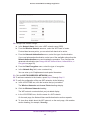
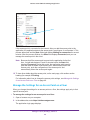
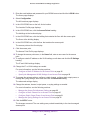
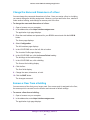
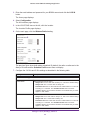
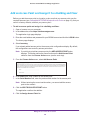
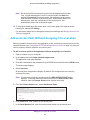
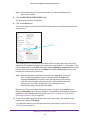
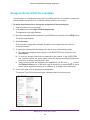
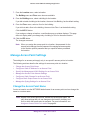
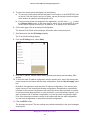
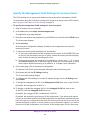
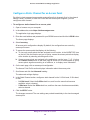
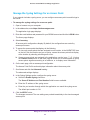
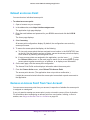
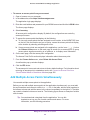
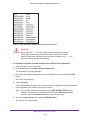
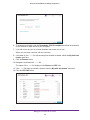
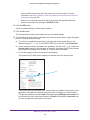
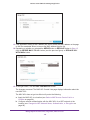
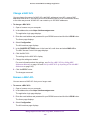
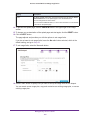
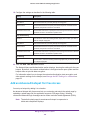
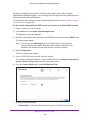
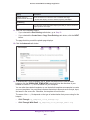
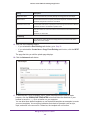
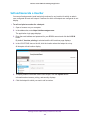
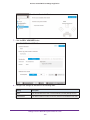
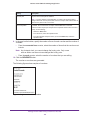
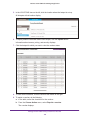
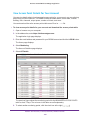
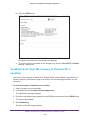
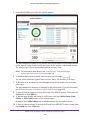
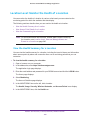
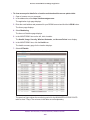
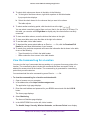
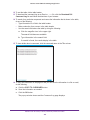
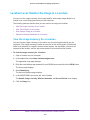
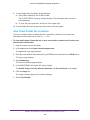
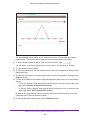
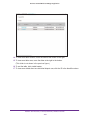
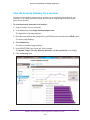
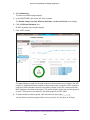
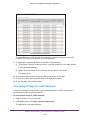
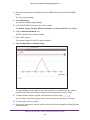
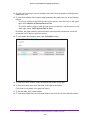
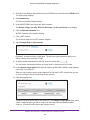
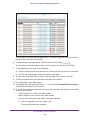
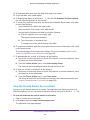
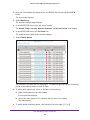
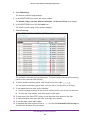
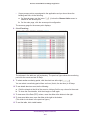
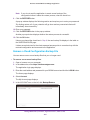
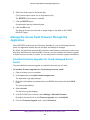
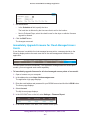
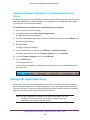
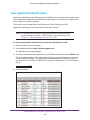
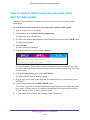
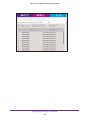
Business Central Wireless Manager Application Sell and Generate a Voucher You can sell and generate (email and print) vouchers for any location for which an admin user configured at least one hotspot. Locations for which no hotspots are configured do not display. To sell and print a voucher for a hotspot: 1. Open a browser on your computer. 2. In the address bar, enter https://wireless.netgear.com. The application login page displays. 3. Enter the email address and password for your BCWM account and click the LOG IN button. By default, Voucher printing is selected and the All Locations page displays. 4. In the LOCATIONS tree on the left, click the location where the hotspot is set up. All hotspots at that location display. 5. To display detailed information about each hotspot, click the Expand all link. Information about access, pricing, and security displays. 6. Click the hotspot for which you want to sell a voucher. Manage Vouchers With a Hotspot Clerk User Account 181