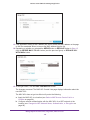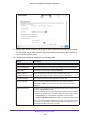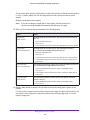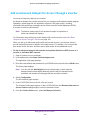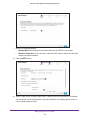
1
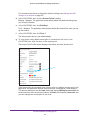
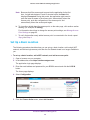
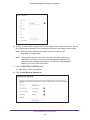
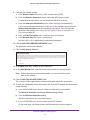
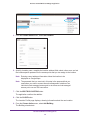
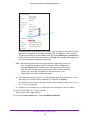
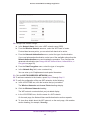
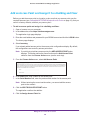
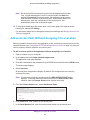
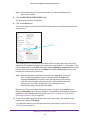
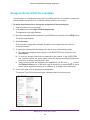
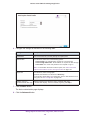
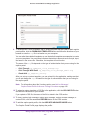
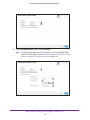
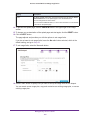
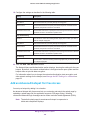
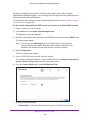
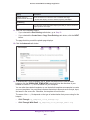
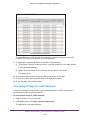
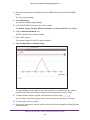
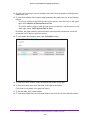
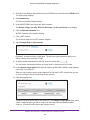
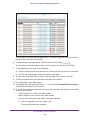
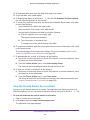
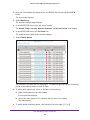
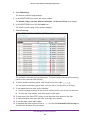
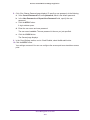
Business Central Wireless Manager Application Change the Role of an Application User Only an admin user (the owner is also an admin user) of the application can change the role of a read only application user or hotspot clerk. To change the role of an application user: 1. Open a browser on your computer. 2. In the address bar, enter https://wireless.netgear.com. The application login page displays. 3. Enter the email address and password for your BCWM account and click the LOG IN button. The Home page displays. 4. Select Account. The My Account page displays. 5. In the ACCOUNT tree on the left, click Users. All user accounts display. By default, the accounts are sorted alphabetically. 6. If many accounts are set up for the application, to narrow the accounts that display, use ) below the Choose Action menu on the main page to search for an the icons ( account, to group accounts together according to an attribute, or to display more information. 7. On the main page, click the user account. The User Profile section displays information about the account. 8. From the Role menu, select another role: • Admin. A user who can configure the application. • Read only. A user who cannot configure the application but who can view the web configuration interface. • Hotspot clerk. A user who cannot configure the application and who cannot view the web configuration interface but who can sell and print vouchers and view the status of sold vouchers. 9. Click the SAVE button. The changes are saved. Change the User Profile, Password, or Time Zone for Your User Account You can change the user profile (first and last name, telephone number, and country), password, and time zone for your own user account but not for someone else’s account. The time zone for your user account is the time zone for time stamps that are associated with data that is separate from locations. (You cannot change the time zone for an existing location profile.) Manage Maintenance, Firmware, Application Users, and Accounts 267