1
15. Replacing material
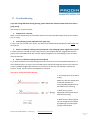
If the spool with material is (almost) empty, or when another material or color is wanted, it is time to
replace the spool.
There are 2 ways to remove material from the printer.
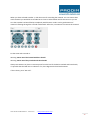
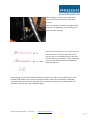
1. By opening the extruder and pulling out the filament wire. You can only do this when the
extruder hotend is heated!
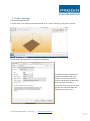
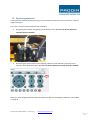
2. By pressing the retract button in the repetier software. If the material is still stuck in the
extruder, press the button again. You can only do this when the extruder hotend is heated!
When you have changed the filament please follow the steps for extruding the filament, as described
on page 26.
User manual: Prodim XXL Pro - version 2.0
- www.prodim-systems.com -
28