1
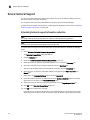
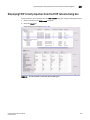
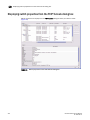
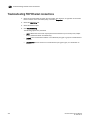
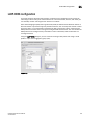
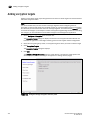
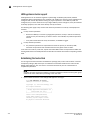
Setting Spanning Tree parameters for a switch
11
Setting Spanning Tree parameters for a switch
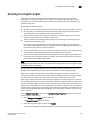
You cannot configure Spanning Tree Protocol (STP) when adding a new LAG. STP can be configured
only after the LAG has been added to the switch.
NOTE
The ports and the ports in a link aggregation group (LAG) for the selected switch must be in Layer 2
(L2) mode. If the ports or ports in a LAG are not in L2 mode, Spanning Tree Protocol is disabled and
the STP parameters are disabled as well.
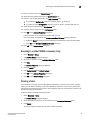
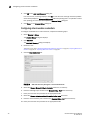
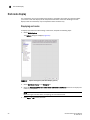
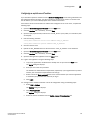
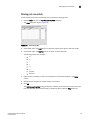
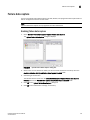
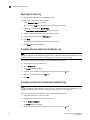
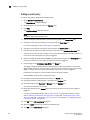
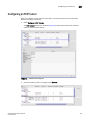
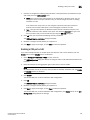
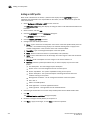
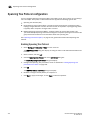
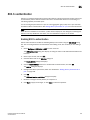
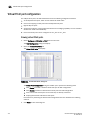
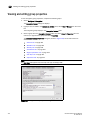
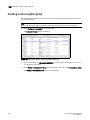
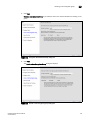
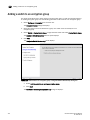
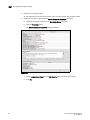
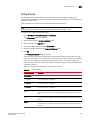
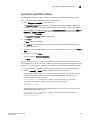
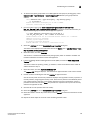
1. Select Configure > CEE Switch > CEE from the menu bar.
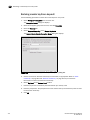
The CEE Configuration dialog box displays, showing the status of all CEE-related hardware and
functions.
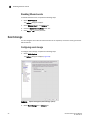
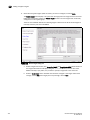
2. Select a switch, and click Edit.
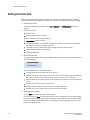
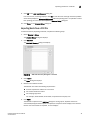
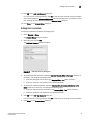
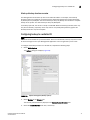
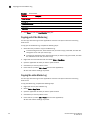
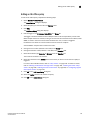
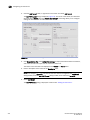
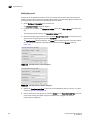
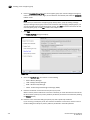
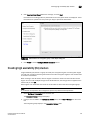
3. Click the Spanning Tree Protocol tab on the Edit Port dialog box.
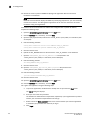
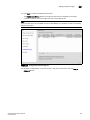
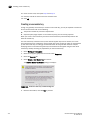
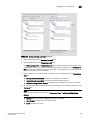
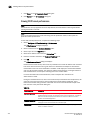
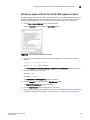
The Enable Spanning Tree Protocol dialog box displays.
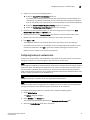
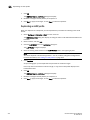
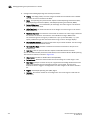
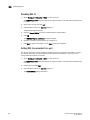
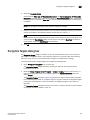
4. Click the Enable Spanning Tree Protocol check box to enable STP, and click OK.
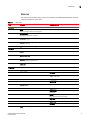
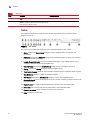
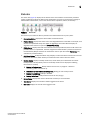
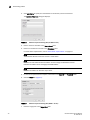
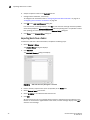
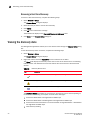
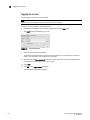
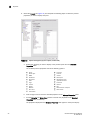
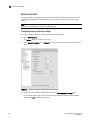
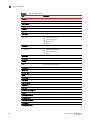
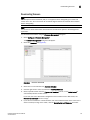
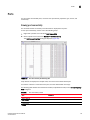
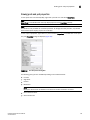
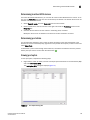
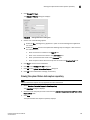
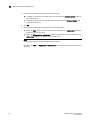
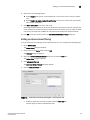
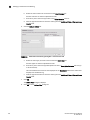
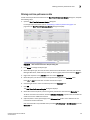
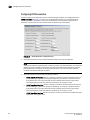
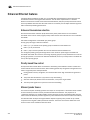
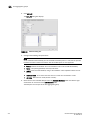
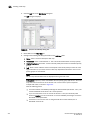
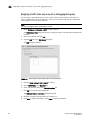
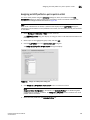
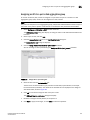
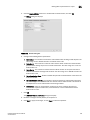
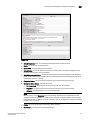
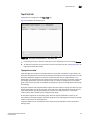
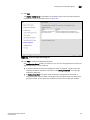
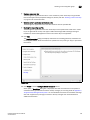
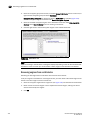
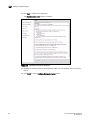
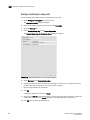
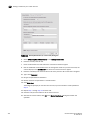
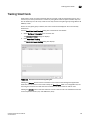
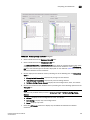
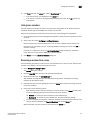
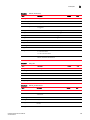
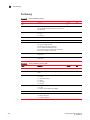
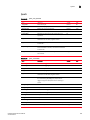
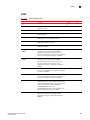
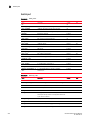
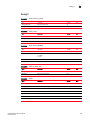
The Spanning Tree Protocol dialog box displays.
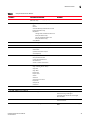
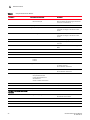
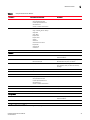
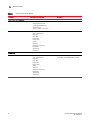
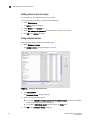
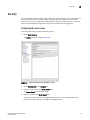
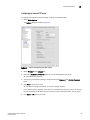
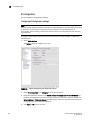
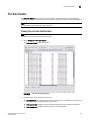
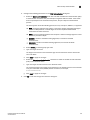
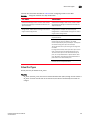
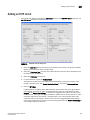
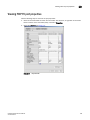
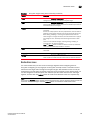
FIGURE 100 Spanning Tree Protocol dialog box, STP and RSTP
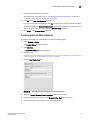
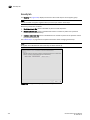
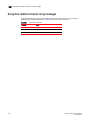
NOTE
(currently enabled on switch) indicates which STP mode is configured on the switch.
DCFM Professional User Manual
53-1001355-01
303