1
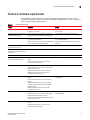
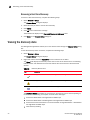
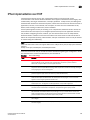
Shortcut menus
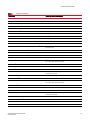
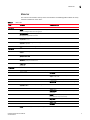
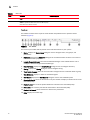
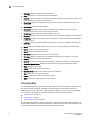
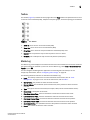
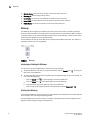
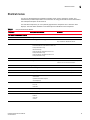
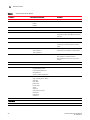
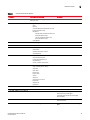
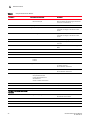
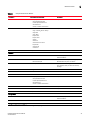
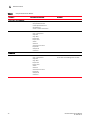
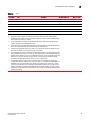
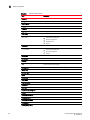
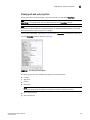
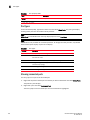
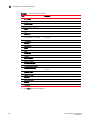
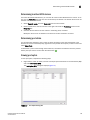
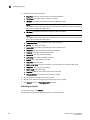
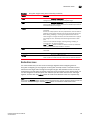
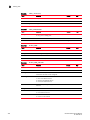
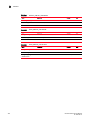
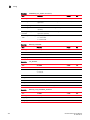
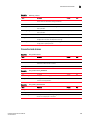
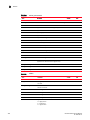
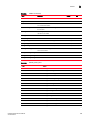
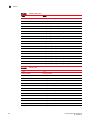
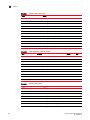
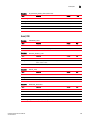
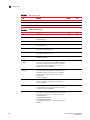
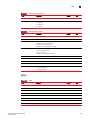
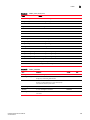
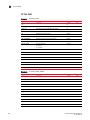
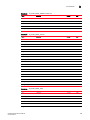
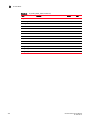
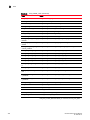
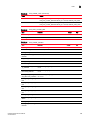
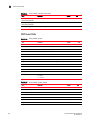
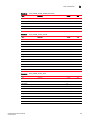
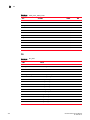
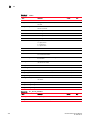
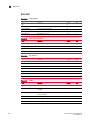
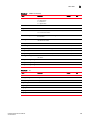
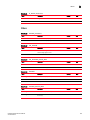
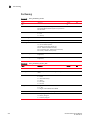
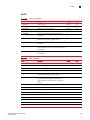
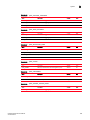
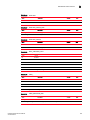
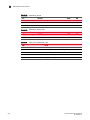
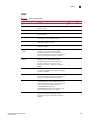
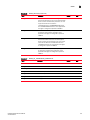
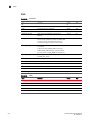
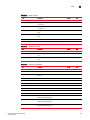
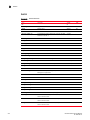
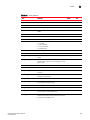
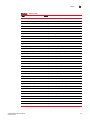
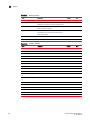
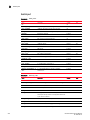
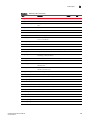
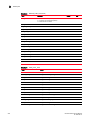
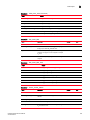
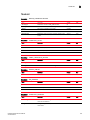
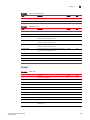
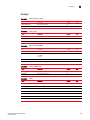
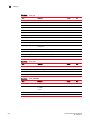
TABLE 8
1
Component Shortcut Menus
Component
Menu/Submenu Commands
Comments
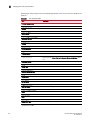
Logical Switches > <List_of_Logical_Switches>
(Fabric OS only)
Only available from Product List.
Configuration > (Fabric OS only)
Save
Restore
Schedule Backup (Professional Plus and
Enterprise Edition Only)
Replicate >
Configuration (Professional Plus and
Enterprise Edition Only)
Security (Professional Plus and
Enterprise Edition Only)
Swap Blades
Firmware Management (Fabric OS only)
Events
Technical Support > (Fabric OS only)
Collect Data
Upload Failure Data Capture
View Repository
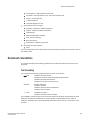
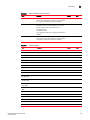
Port Display >
Occupied Product Ports
UnOccupied Product Ports
Attached Ports
Switch to Switch Connections
Only available from Product List.
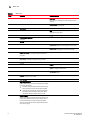
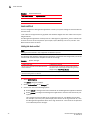
Table >
Copy '<Device_Name> Group'
Copy Row
Copy Table
Export Row
Export Table
Search
Select All
Size All Columns To Fit
Expand All
Collapse All
Customize
Only available from Product List.
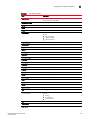
Properties
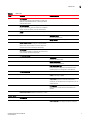
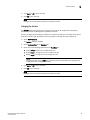
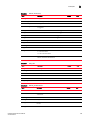
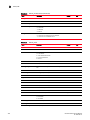
HBA, iSCSI Host, and HBA Enclosure
DCFM Professional User Manual
53-1001355-01
Element Manager
Launches Element Manager for Brocade HBAs
discovered using JSON agent.
Launches blank window for unmanaged
Brocade HBAs.
Servers
Does not display for routed devices and
discovered hosts.
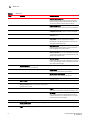
Server Port Mapping
Only available for Brocade, Emulex, and Qlogic
HBAs.
23