1
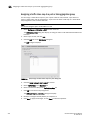
Exporting the KAC certificate request
A
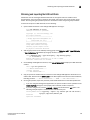
Exporting the KAC certificate request
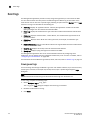
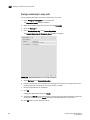
A KAC certificate request must be exported for each encryption node to an SCP-capable host.
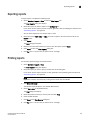
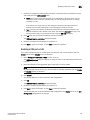
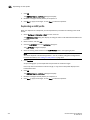
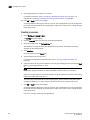
1. Log into the group leader as Admin or SecurityAdmin.
2. Set the SKM key vault type by entering the cryptocfg --set -keyvault command with the SKM
option. Successful execution sets the key vault type for the entire encryption group.
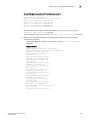
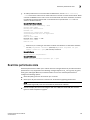
SecurityAdmin:switch>cryptocfg --set -keyvault SKM
Set key vault status: Operation Succeeded.
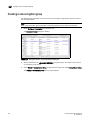
3. On each node in the encryption group, export the KAC certificate to an SCP-capable host.
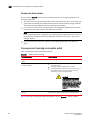
SecurityAdmin:switch>cryptocfg --export -scp -KACcsr
192.168.38.245 mylogin /tmp/certs/kac_skm.csr
NOTE
Record this location so you can easily find the KAC certificate for signing in the “Signing the KAC
certificate” procedure.
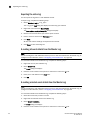
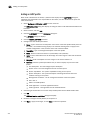
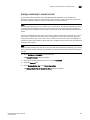
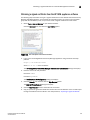
Setting up a Brocade user
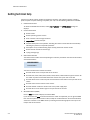
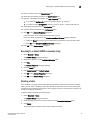
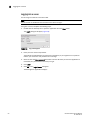
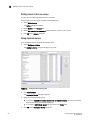
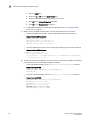
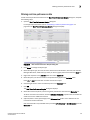
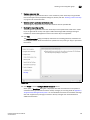
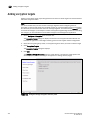
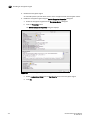
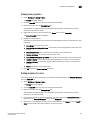
1. Launch the SKM administration console in a web browser and log in with your user name and
password.
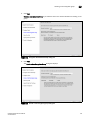
2. Select the Security tab.
3. Select Local Users & Groups under Users and Groups.
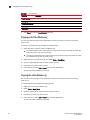
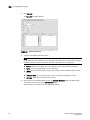
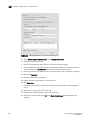
The User & Group Configuration page is displayed.
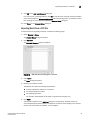
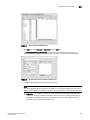
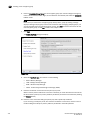
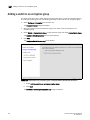
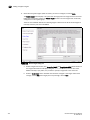
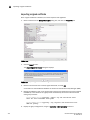
4. Select Add under Local Users.
5. Add a new user under Username, and a password under Password.
6. Select both the User Administration Permission and Change Password Permission check boxes
for the new user.
7.
Select Save to save this user data.
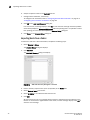
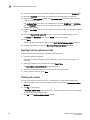
8. Select Add under Local Groups.
9. Add a new group called brocade under Group.
10. Select Save.
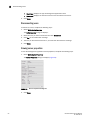
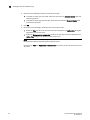
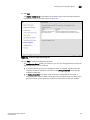
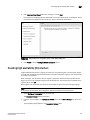
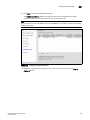
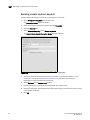
11. Select the new brocade group name, and then select Properties.
Local Group Properties and a User List are displayed.
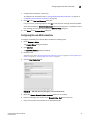
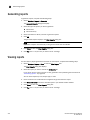
12. In the User List section, select or type the Brocade user name under Username.
13. Select Save.
The Brocade user is now configured on SKM.
DCFM Professional User Manual
53-1001355-01
443