1
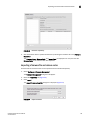
Deleting a zone
13
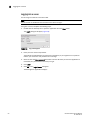
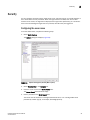
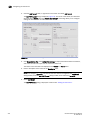
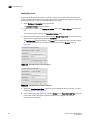
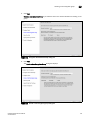
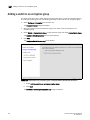
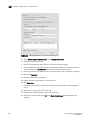
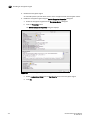
3. Enter the maximum number of zone database changes that can be made for that fabric before
a zone configuration is activated.
To set a limit, enter a positive integer.
To allow unlimited changes, enter 0.
4. Repeat step 2 and step 3 for each fabric on which you want to set limits.
5. To set a limit for new, undiscovered fabrics, enter a value in the Default Change Count for New
Fabrics field.
The default value is 0 (Unlimited).
6. Select the Enforce change limits during zone activation check box to enforce the change limits.
If you want to set the limits now, but turn on enforcement of the limits at a later time, make
sure the check box is clear.
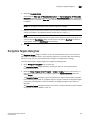
7.
Click OK to save your changes and close the dialog box.
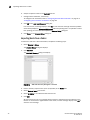
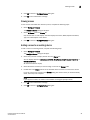
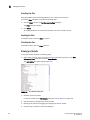
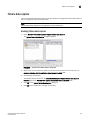
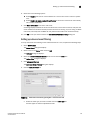
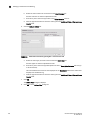
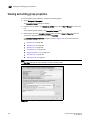
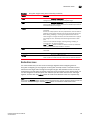
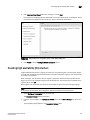
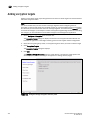
Deleting a zone
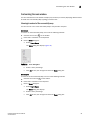
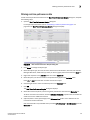
Use this procedure to delete a zone.
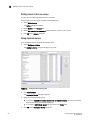
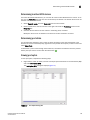
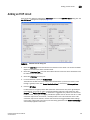
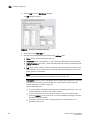
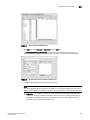
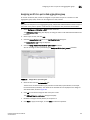
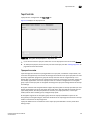
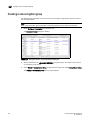
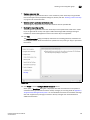
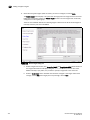
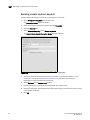
1. Select Configure > Zoning > Fabric.
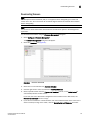
The Zoning dialog box displays.
2. Click the Zone DB tab if that tab is not automatically displayed.
3. Select an FC fabric from the Zoning Scope list.
This identifies the target entity for all subsequent zoning actions and displays the zoning
database for the selected entity.
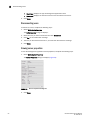
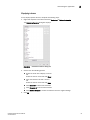
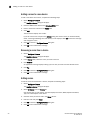
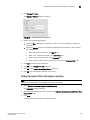
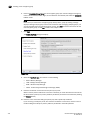
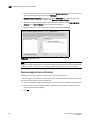
4. Select one or more zones in the Zones list that you want to delete, then right-click and select
Delete.
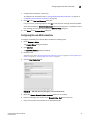
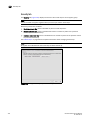
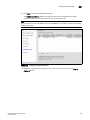
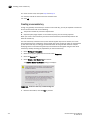
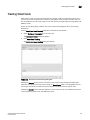
A message box displays asking you to confirm the deletion.
5. Click Yes to delete the selected zone.
The message box closes and, if successful, the zone or zones are removed from the Zones list.
NOTE
If you select “Do not show me this again.” on the confirmation message box, the next time you
delete a zone, the zone is deleted without requesting confirmation from you. If you delete
something in error, click Cancel on the Zoning dialog box to exit without saving changes since
the last operation (Apply or Activate). When you reopen the dialog, the zone is restored.
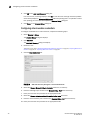
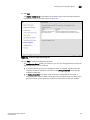
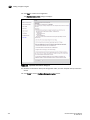
6. Click OK or Apply to save your changes.
A message displays informing you that any zones or zone configurations you have changed will
be saved in the zone database, and warning you to make sure no other user is making changes
to the same areas.
DCFM Professional User Manual
53-1001355-01
405