1
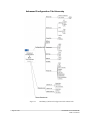
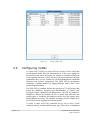
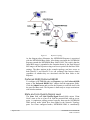
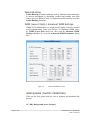
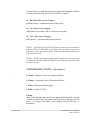
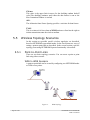
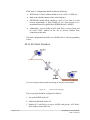
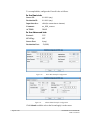
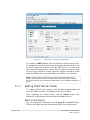
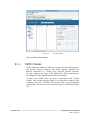
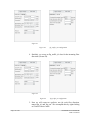
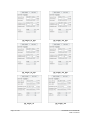
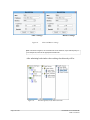
Figure 59.
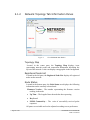
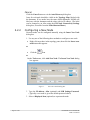
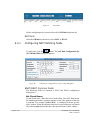
NAT Chains
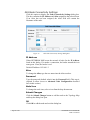
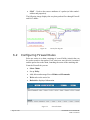
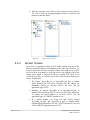
Before configuring rules you must select the NAT Kind drop down list.
NAT Kind
In the NAT Kind drop down list, select SNAT or DNAT.
6.3.1
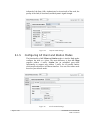
Configuring NAT Matching fields
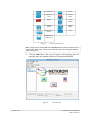
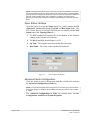
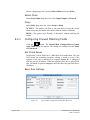
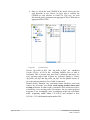
To add a rule, click the
button. The NAT Rule Configuration for
[NAT Kind] Chain dialog box appears.
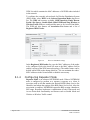
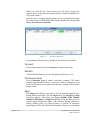
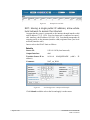
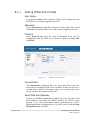
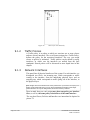
Figure 60.
NAT Rule for Configuration for Source Chain Dialog Box
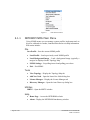
SNAT/DNAT Common Fields
The following fields are common to SNAT and DNAT configuration
dialog boxes.
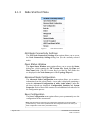
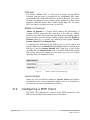
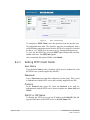
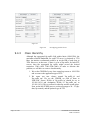
Not Check Boxes
Several fields have a Not check box beside them. The NOT field inverts
the matching operation, causing a match to occur if the opposite of the rule
is matched. For example, Source MAC: is configured with the specific
MAC address. When the adjacent check box is selected the rule will match
all packets except the ones that have the specified Source MAC address.
Page 84 of 141
NETKROM OS and NETKROM
NMS User Manual