1
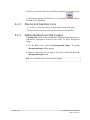
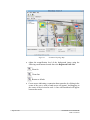
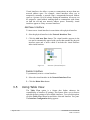
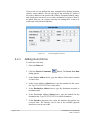
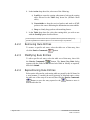
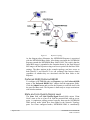
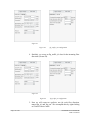
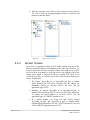
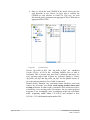
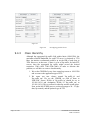
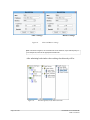
If the newly inserted node has successfully responded to a network probe, a green outline appears around the icon. A red outline the node is not responding. 2.2.3 indicates Moving and Resizing Icons To move a node icon, drag it to the desired location in the pane. To resize a node icon, select the icon, then drag one of its handles. 2.2.4 Adding Background Map Images Topology Map can be further enhanced by loading a background image to indicate the geographical location of the nodes. To add a background image: On the File menu, click Load Background Image. The Load Background Image dialog appears. Browse to the image file you wish to load, select it and click the Load Background Image button. Note: .gif or .jpg formats may be used for background images Page 29 of 141 NETKROM OS and NETKROM NMS User Manual