1
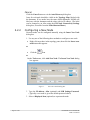
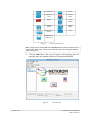
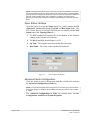
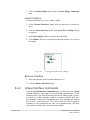
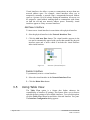
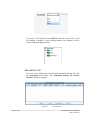
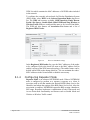
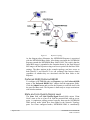
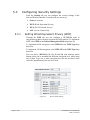
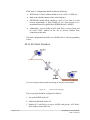
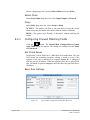
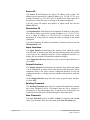
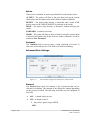
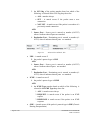
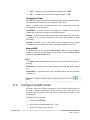
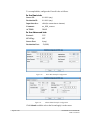
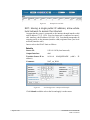
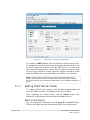
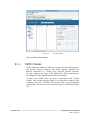
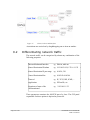
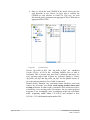
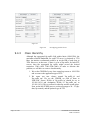
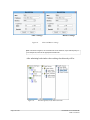
Click the Delete Bridge button in the Network Bridge Commands pane Insert Interface To insert an interface as a ‘slave’ under a bridge 1. In the Network Interfaces Tree, select an interface to become the slave. 2. Click the Insert Interface button. The Insert Iface to Bridge dialog bx appears. 3. In the Select Bridge list box, select the desired bridge. 4. Click Submit. The tree is rearranged to show the interface as a slave to the bridge. Figure 22. Inserting an Interface Under a Bridge Remove Interface 1. Select the interface in the Network Interfaces Tree. 2. Click the Remove Interface button. 3.4.2 Virtual Interface Commands From the Special Interface Commands pane you also can create virtual network interfaces—ones that are not associated with hardware. Virtual interfaces allow you to associate more than one IP address with a system. A typical use of this technique would be to support multiple Web sites. For example, if http://www.examplesite.com were assigned the address 222.33.44.55, virtual interfaces 222.33.44.56 and 222.33.44.57 might be assigned to www.examplesite.net and www.examplesite.org. All three sites could exist on the same system without conflict. Page 42 of 141 NETKROM OS and NETKROM NMS User Manual