1
Epson AcuLaser MX21/MX20 Series
User's Guide
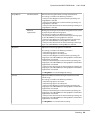
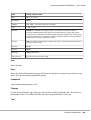
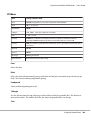
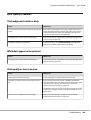
If Off is selected as the Auto Cont setting on the control panel’s Setup Menu, press the Start button
to print on the back of the next sheet, or press the Stop button to cancel the print job.
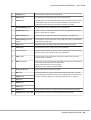
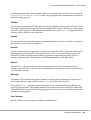
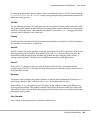
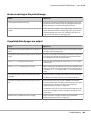
E-mail Transmission Error
E-mail transmission failed. Check the E-mail Server Settings and perform the Connection
Test. See “E-mail Server Settings” on page 147. For assistance, ask the administrator of the mail
server.
Fax Backup Memory Error
Make sure that all received fax data is printed. Turn off the printer, wait several minutes, and then turn
it on again. If the memory utilization does not go to 0 %, clear the fax backup memory. If the error
occurs again, contact your dealer or a qualified customer support person for assistance.
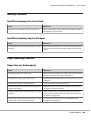
Fax Board Memory Full
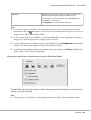
Wait until the fax jobs stored in the memory are finished, and then try transmission/reception again.
Faxing cannot begin
Unable to perform fax transmissions or receptions due to insufficient memory in the printer. Wait
until the fax jobs stored in the memory are finished, and then try transmission/reception again.
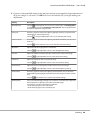
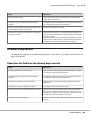
Fax Communication Error
A fax communication error occurred during transmission due to some cause.
Fax Error
An error occurred in the fax unit. Turn off the printer, wait several minutes and then turn it on again. If
the error occurs again, contact your dealer or a qualified customer support person for assistance.
Fax Image Data Error xx
Fax was not received normally. If the error occurs again, contact your dealer or a qualified customer
support person for assistance.
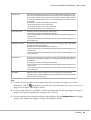
Fax report cannot begin to print
The printer might be receiving a fax. Try again after the fax receiving is completed.
Faxing cannot begin
Using the Control Panel
175