1
Epson AcuLaser MX21/MX20 Series
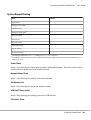
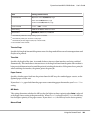
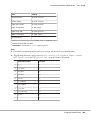
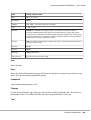
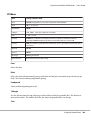
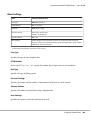
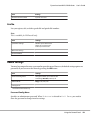
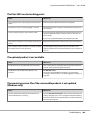
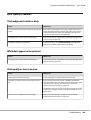
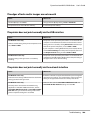
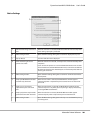
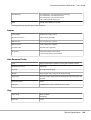
Item
Settings (default in bold)
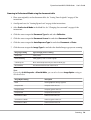
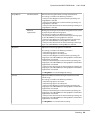
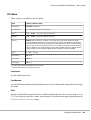
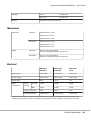
E-mail Settings
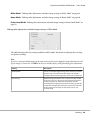
Name: up to 20 characters
Index: up to 20 characters
E-mail Address: up to 64 characters
Max File Size: 200KB, 500KB, 1MB, 2MB, 4MB
Subject: up to 64 characters
Connection Test
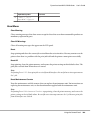
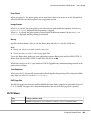
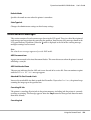
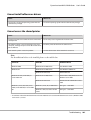
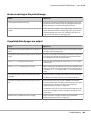
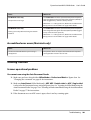
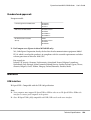
Memory Reception
Memory Reception: On, Off
On (Time): xx:xx
Off (Time): xx:xx
User's Guide
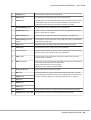
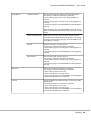
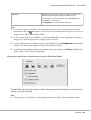
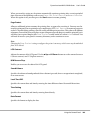
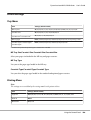
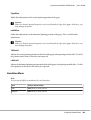
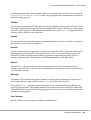
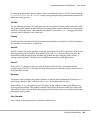
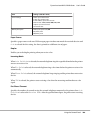
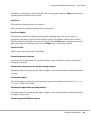
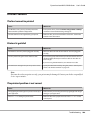
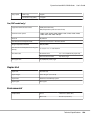
Paper Source
Specifies a paper source to be used. If the output paper size does not match the received data size and
Auto is selected for this setting, the data is printed on a different size of paper.
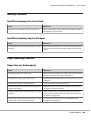
Duplex
Enables you to do duplex printing when you receive a fax.
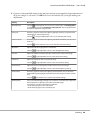
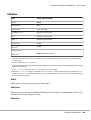
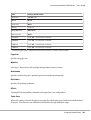
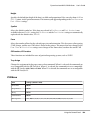
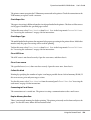
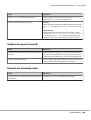
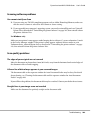
Incoming Mode
When Auto Switching is selected, the external telephone rings for a specified time before the printer
answers to receive a fax.
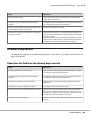
When Fax Only is selected, the external telephone rings a few times before the printer receives a fax
automatically.
When Phone Only is selected, the external telephone keeps ringing and the printer does not receive
the fax.
When TAM is selected, the printer starts receiving a fax when the answering machine detects a fax
signal.
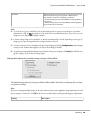
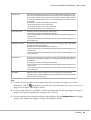
Ext. Phone Timeout
Specifies the number of seconds to ring the external telephone connected to the printer when Auto
Switching is selected in Incoming Mode. After the specified time elapses, the printer starts receiving
the fax.
Using the Control Panel
166