1
NE management/equipment configuration
5.5.1
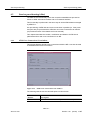
Equipment configuration
Add a network element
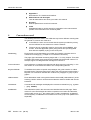
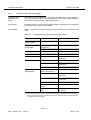
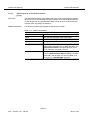
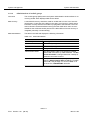
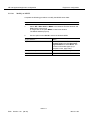
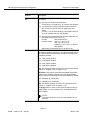
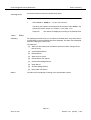
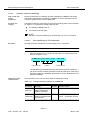
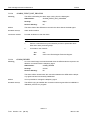
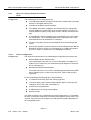
The following steps are necessary to add an NE:
■
Create NE
■
Assign Domain.
To add an NE the following requirements must be fulfilled:
■
The PC-based GSI is used to set the NE to a state where NVDS (non-volatile data storage) is populated with the minimum values (i.e. target id, IP address, user id).
■
All these parameters are assumed to be known by the user.
■
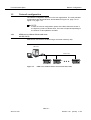
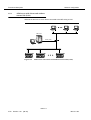
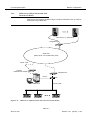
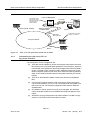
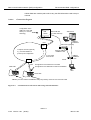
The data communication network (DCN) link with the NEs is available (cf.
Appendix A).
■
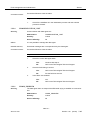
Domains are already created (cf. Chapter 4.3.1).
NOTE:
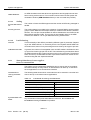
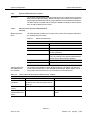
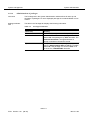
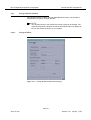
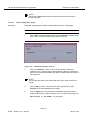
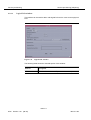
The windows shown in this chapter are merely meant as an example. The
contents (text) within a window, as well as the window itself, may slightly differ from the window as shown on your system.
Procedure
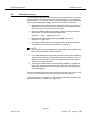
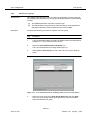
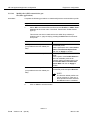
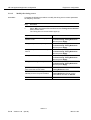
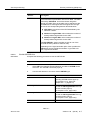
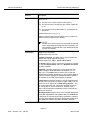
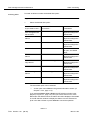
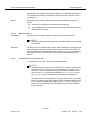
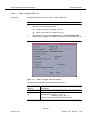
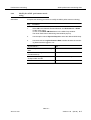
Complete the following procedure to add an NE.
Step
Procedure
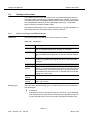
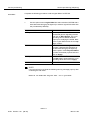
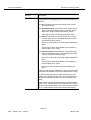
1.
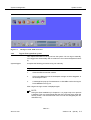
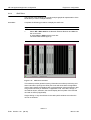
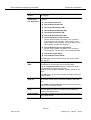
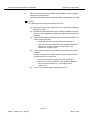
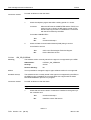
Select the NE in the Network Browser or on the background map and
New or Edit via the cursor menu
or select File -> New or View -> Object via the menu bar
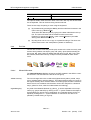
or click on the open icon in the tool bar.
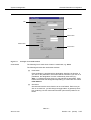
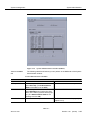
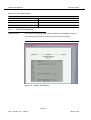
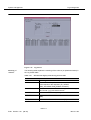
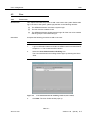
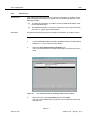
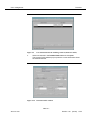
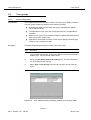
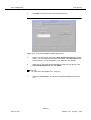
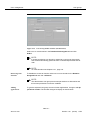
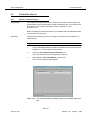
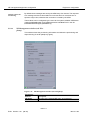
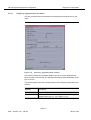
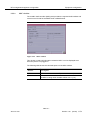
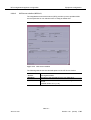
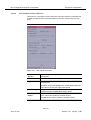
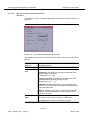
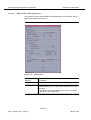
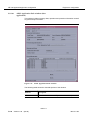
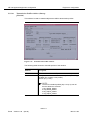
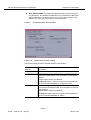
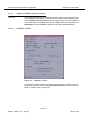
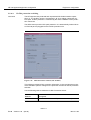
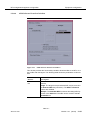
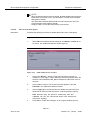
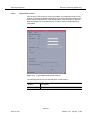
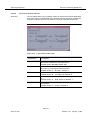
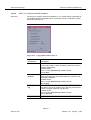
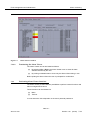
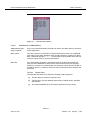
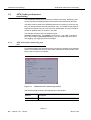
The Groups & NEs window (tab NEs) pops up (cf. Figure 5-11,
page 5-27).
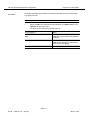
2.
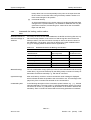
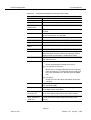
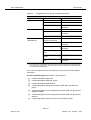
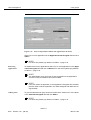
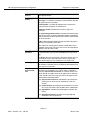
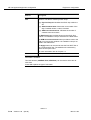
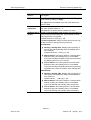
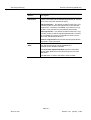
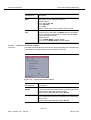
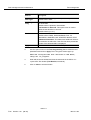
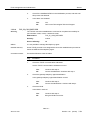
Fill in all NE information for a new NE as described in Chapter 5.4.3.2,
page 5-29.
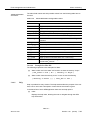
3.
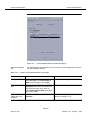
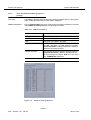
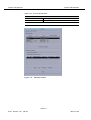
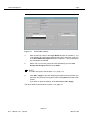
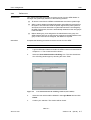
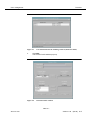
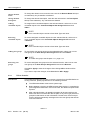
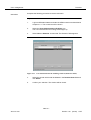
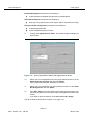
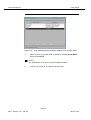
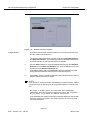
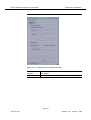
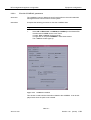
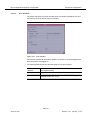
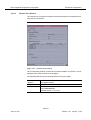
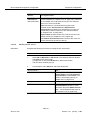
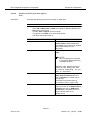
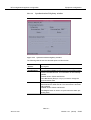
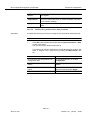
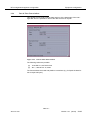
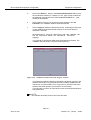
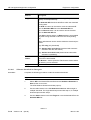
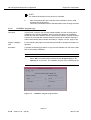
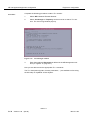
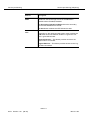
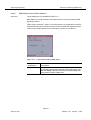
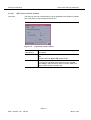
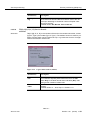
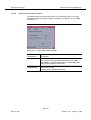
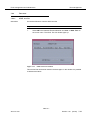
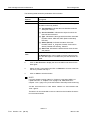
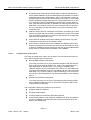
Press Apply to confirm. The Domain Selection window pops up.
AEM R1.7
363-211-454
Version 1.00
(06.00)
5-35