1
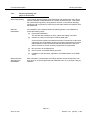
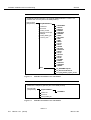
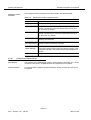
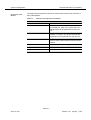
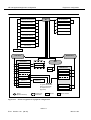
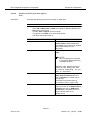
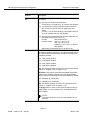
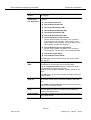
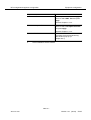
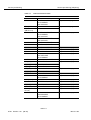
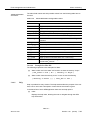
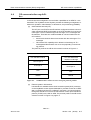
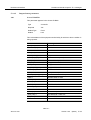
NE management/equipment configuration
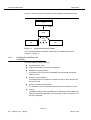
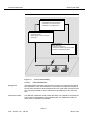
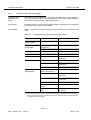
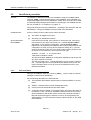
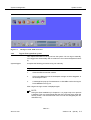
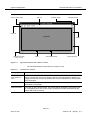
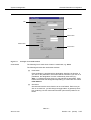
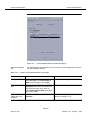
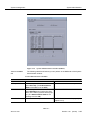
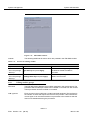
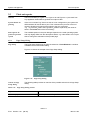
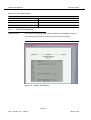
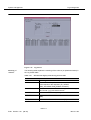
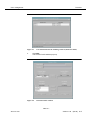
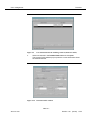
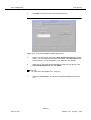
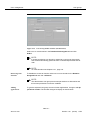
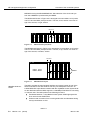
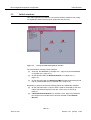
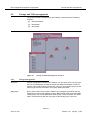
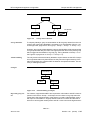
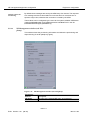
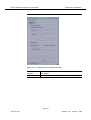
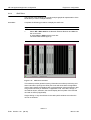
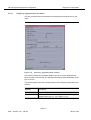
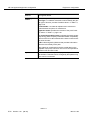
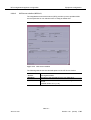
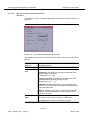
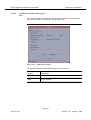
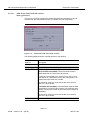
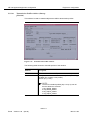
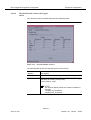
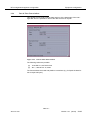
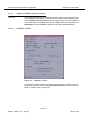
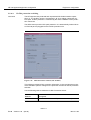
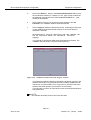
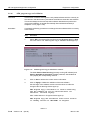
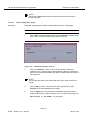
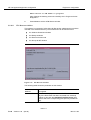
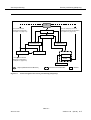
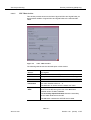
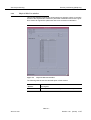
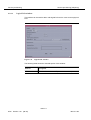
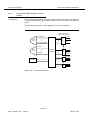
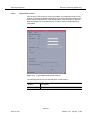
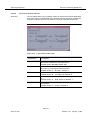
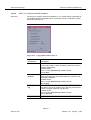
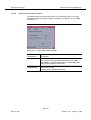
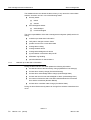
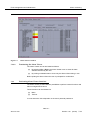
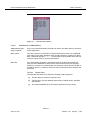
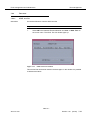
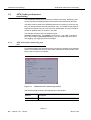
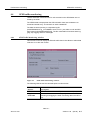
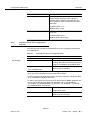
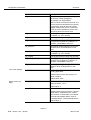
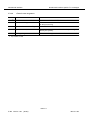
Figure 5-14
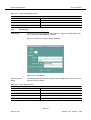
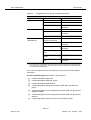
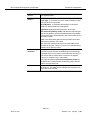
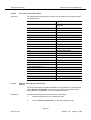
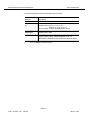
Equipment configuration
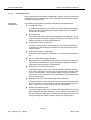
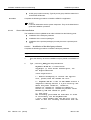
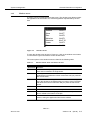
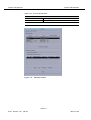
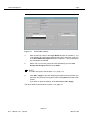
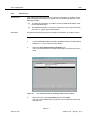
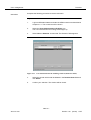
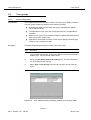
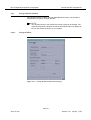
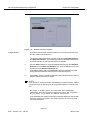
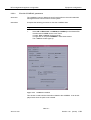
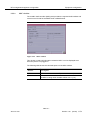
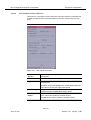
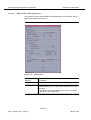
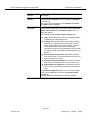
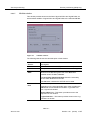
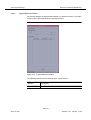
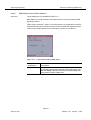
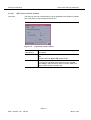
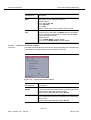
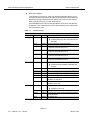
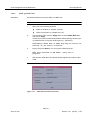
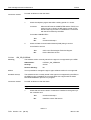
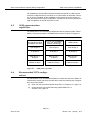
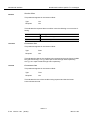
Domain Selection window
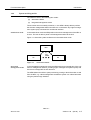
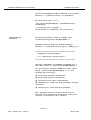
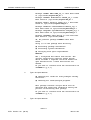
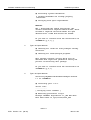
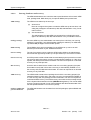
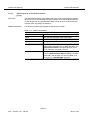
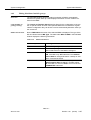
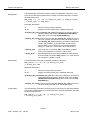
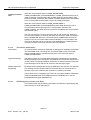
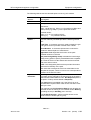
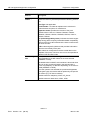
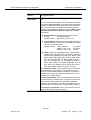
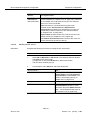
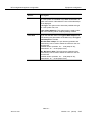
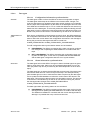
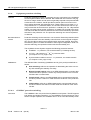
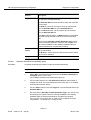
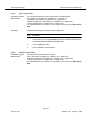
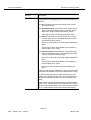
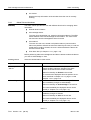
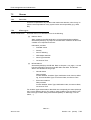
At creation time, the NE must be included in one or several domains (for
domain creation see Chapter 4).
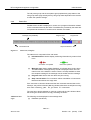
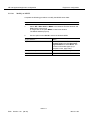
Assign domain
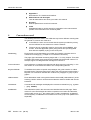
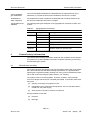
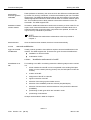
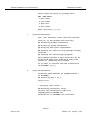
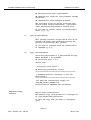
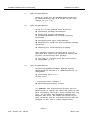
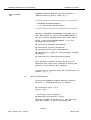
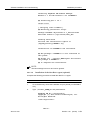
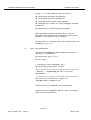
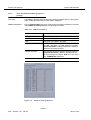
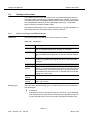
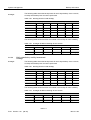
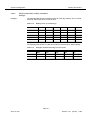
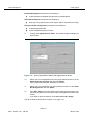
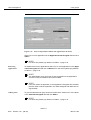
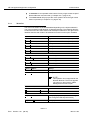
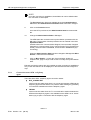
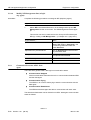
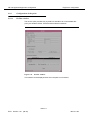
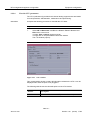
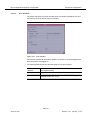
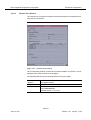
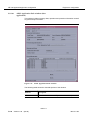
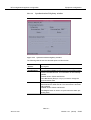
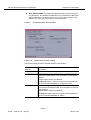
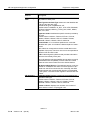
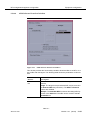
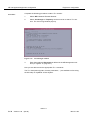
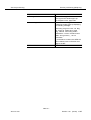
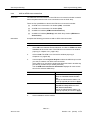
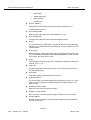
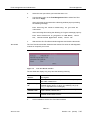
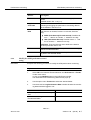
The Domain Selection window consists of two lists: Available Domains
and Selected Domains. The window provides the facilities needed to select the domains from which the NE will be accessible.
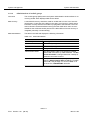
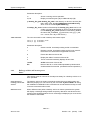
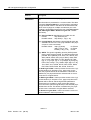
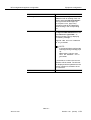
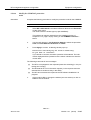
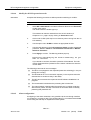
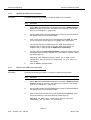
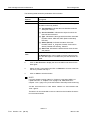
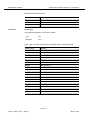
4.
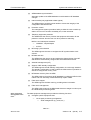
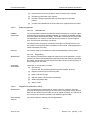
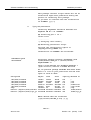
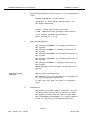
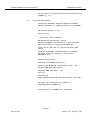
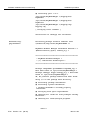
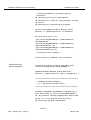
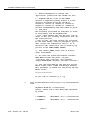
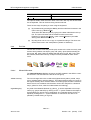
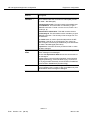
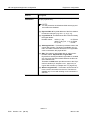
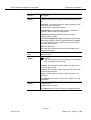
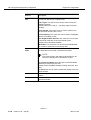
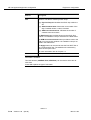
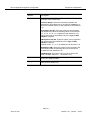
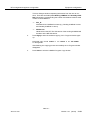
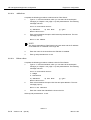
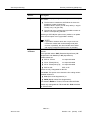
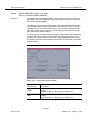
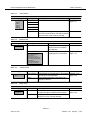
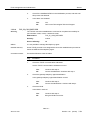
Use the Add >> button to move the selected domain from the Available
Domains list to the Selected Domains one. Use << Remove to remove
domains from the Selected Domains list.
(The Add >> button and the << Remove button are available only after
having selected a domain name from the corresponding list.)
5.
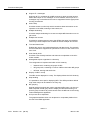
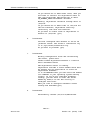
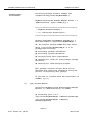
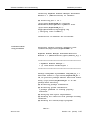
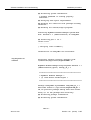
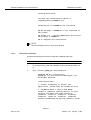
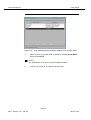
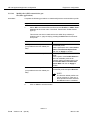
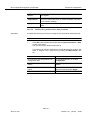
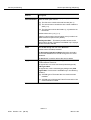
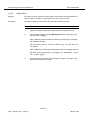
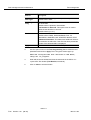
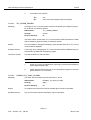
Press OK to confirm. The NE is assigned to the selected domains and the
Domain Selection window is closed.
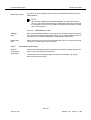
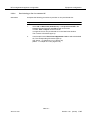
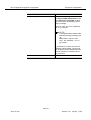
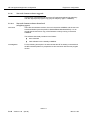
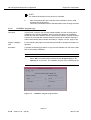
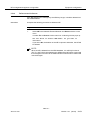
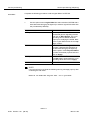
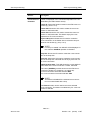
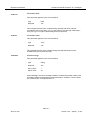
NOTE:
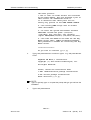
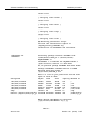
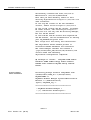
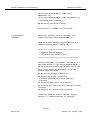
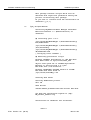
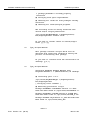
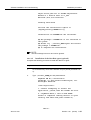
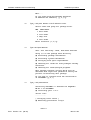
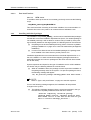
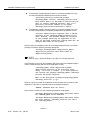
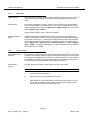
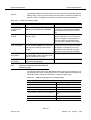
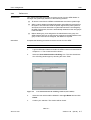
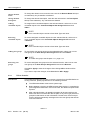
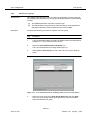
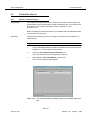
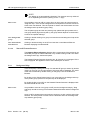
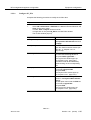
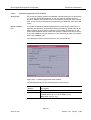
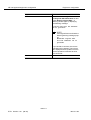
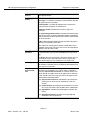
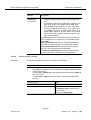
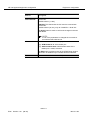
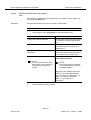
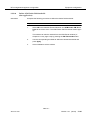
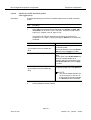
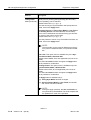
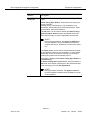
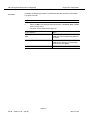
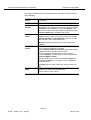
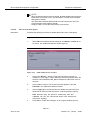
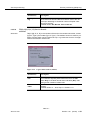
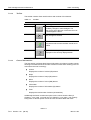
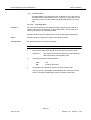
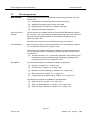
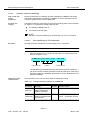
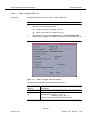
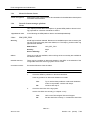
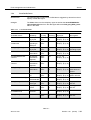
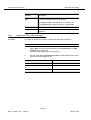
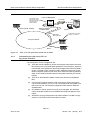
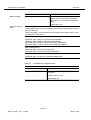
If you decide to close this window (via Cancel or window controls), a Warning window pops up informing you of the possible rejection of the NE creation:
At least 1 domain must be selected and confirmed.
Otherwise the NE creation operation will be rejected.
Do you want to go back to Domain Selection?
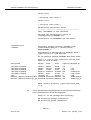
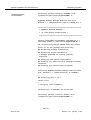
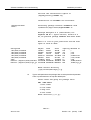
If you select No, the creation of the NE is rejected. Otherwise, the Domain
Selection window is activated. The window remains on the screen until
you make a decision.
AEM R1.7
5-36
Version 1.00
(06.00)
363-211-454