1
Software installation and commissioning
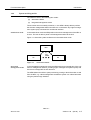
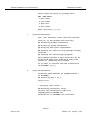
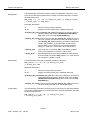
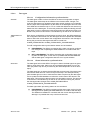
Installation procedure
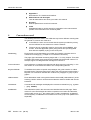
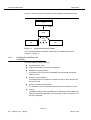
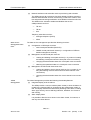
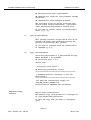
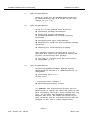
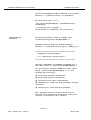
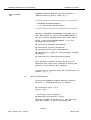
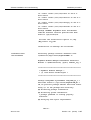
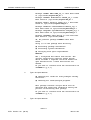
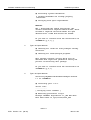
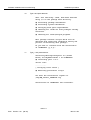
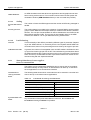
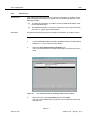
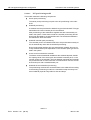
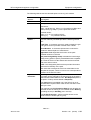
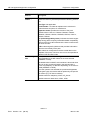
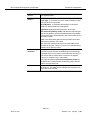
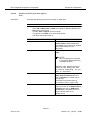
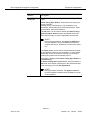
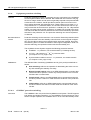
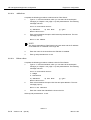
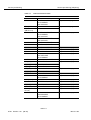
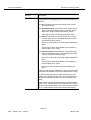
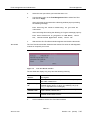
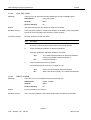
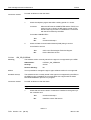
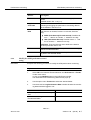
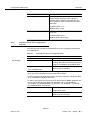
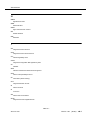
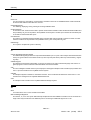
Processing package instance <LuOXWRT> from
</homelocal/tmp/lucent/AnyMediaEMR1.7>
OrbixWeb 3.1 installation
OrbixWeb 3.1 Runtime for AnyMedia EM R1.7
(sparc-solaris) Version 3.1 Run-Time
Installing Version 3.1 Run-Time.
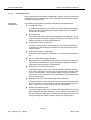
OK, No previous package LuOXWRT have been found.
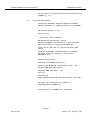
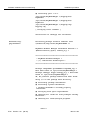
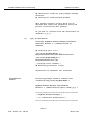
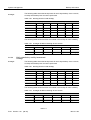
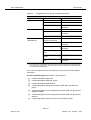
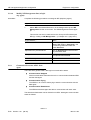
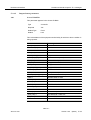
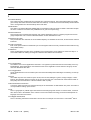
Here is a list of your partitions and the free
space in each of them:
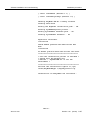
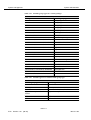
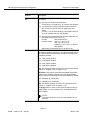
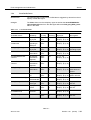
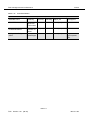
Filesystem
kbytes
used
avail
capacity
/dev/dsk/c0t0d0s0
/dev/dsk/c0t0d0s4
/dev/dsk/c0t0d0s3
/dev/dsk/c0t0d0s6
/dev/dsk/c0t0d0s5
swap
masstc1:/export1/bld/2/bldr17
masstc1:/export1/bld/2/syi_pl
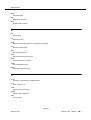
143927
625262
96455
6591133
240399
1194528
51014048
51014048
36997
401583
11974
3401428
8597
8608
44384096
44384096
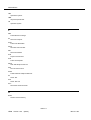
92538
167406
74836
3123794
207763
1185920
6289872
6289872
29%
71%
14%
53%
4%
1%
88%
88%
Mounted on
/
/usr
/var
/homelocal
/var/cache
/tmp
/home/bldr17
/home/syi_pl
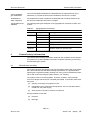
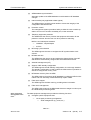
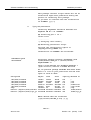
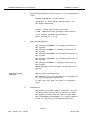
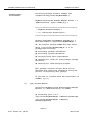
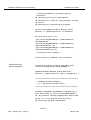
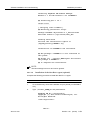
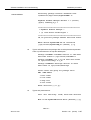
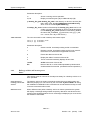
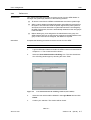
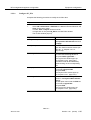
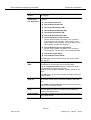
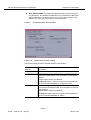
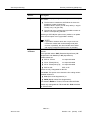
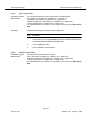
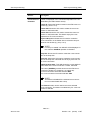
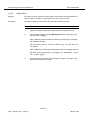
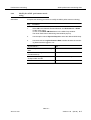
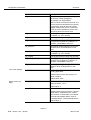
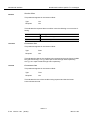
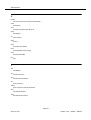
Enter install directory [/opt/lucent/
OrbixWeb3.1] [?,q]
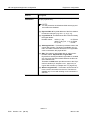
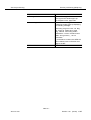
9.
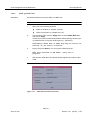
Type a valid path where the package files must be placed and press Return or press Return to accept the default path.
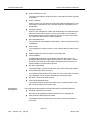
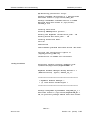
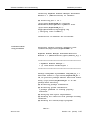
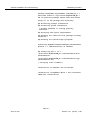
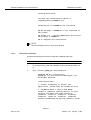
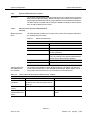
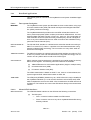
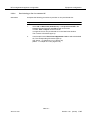
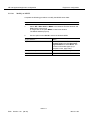
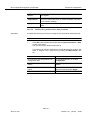
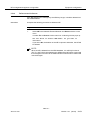
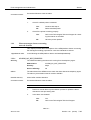
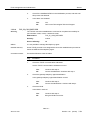
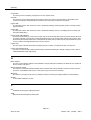
Package <LuJRERT> jre 1.2.2-05 have been found
in /opt/lucent/JDK_1.2.2_05
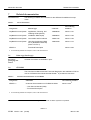
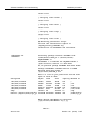
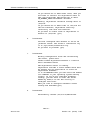
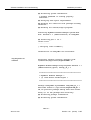
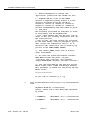
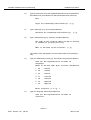
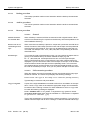
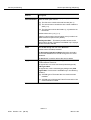
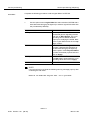
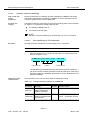
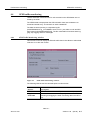
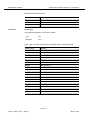
Checking your DNS domain name...
The DNS domain name found was: es.lucent.com
What is your DNS domain name
[default: es.lucent.com] [?,q]
10.
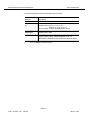
Type your DNS domain name and press Return or press Return to accept the default name.
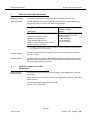
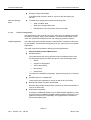
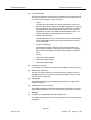
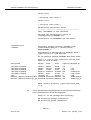
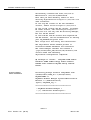
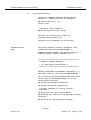
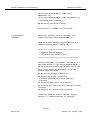
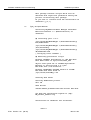
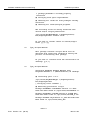
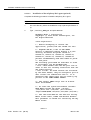
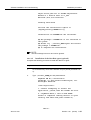
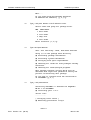
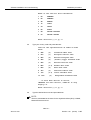
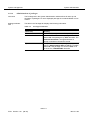
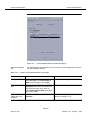
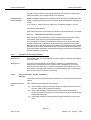
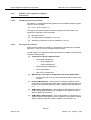
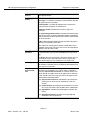
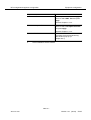
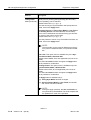
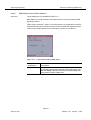
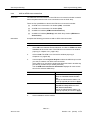
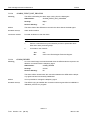
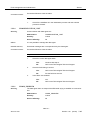
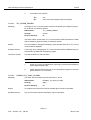
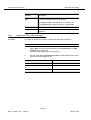
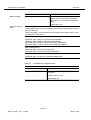
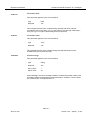
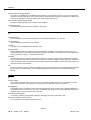
Enter the NS hostname? [masc216] [?,q]
11.
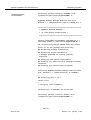
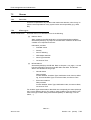
Type the AEM server hostname and press Return or accept the default
hostname by pressing Return only.
AEM R1.7
363-211-454
Version 1.00
(06.00)
2-63