1
Log Off
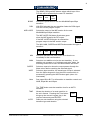
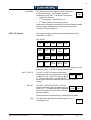
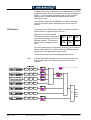
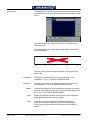
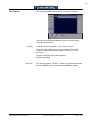
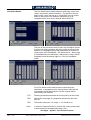
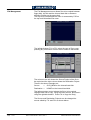
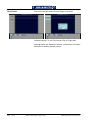
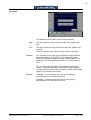
Log Off is used when a number of panels and mainframes are
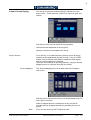
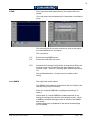
connected to a LAN. Pressing F6R (Log Off) disconnects the
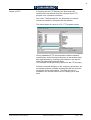
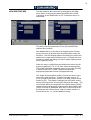
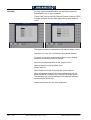
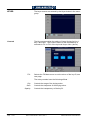
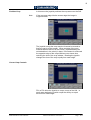
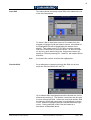
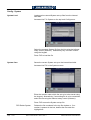
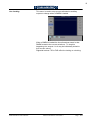
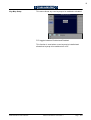
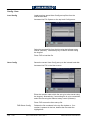
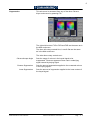
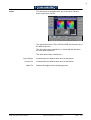
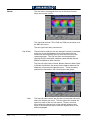
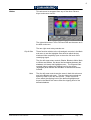
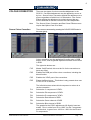
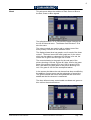
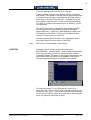
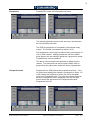
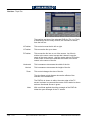
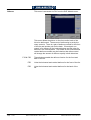
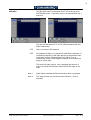
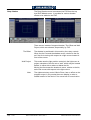
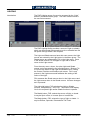
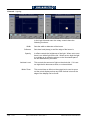
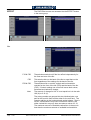
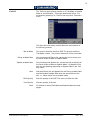
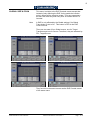
panel from the mainframe and displays the menu below.
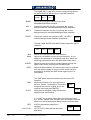
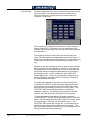
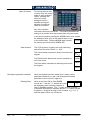
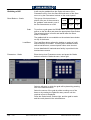
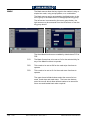
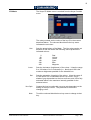
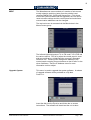
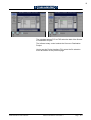
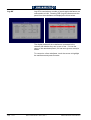
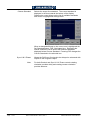
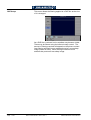
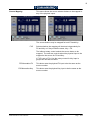
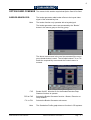
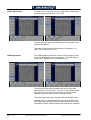
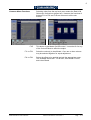
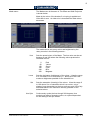
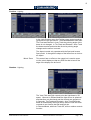
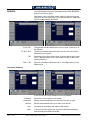
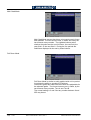
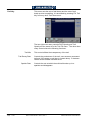
The display shows all the mainframes connected to the
network and whether they are in use or free. If in use the
name of the associated panel (if it has been given a name) is
shown.
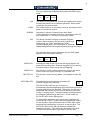
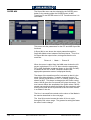
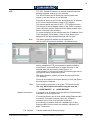
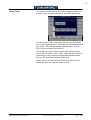
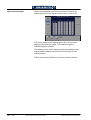
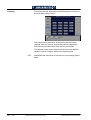
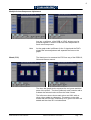
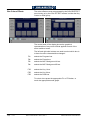
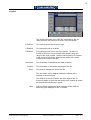
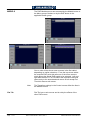
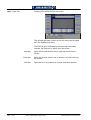
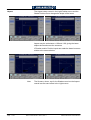
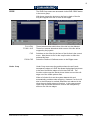
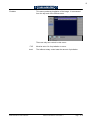
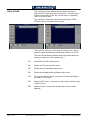
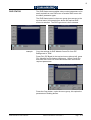
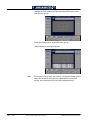
To connect to a free mainframe, touch the screen to highlight
the mainframe and press Connect.
Page - B 74
SD1512 User Manual - Issue 9, Rev 1
S&W Production & Post Production