1
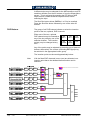
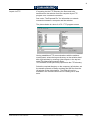
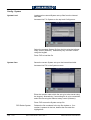
Page Turn Lighting
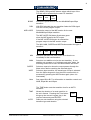
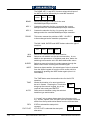
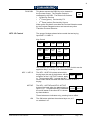
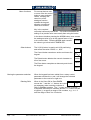
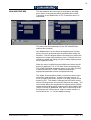
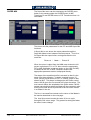
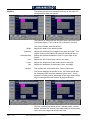
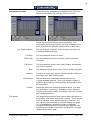
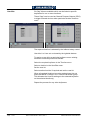
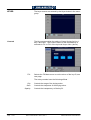
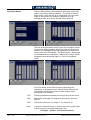
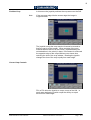
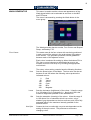
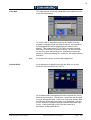
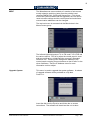
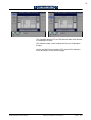
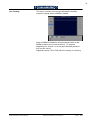
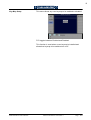
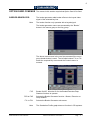
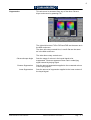
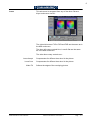
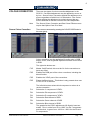
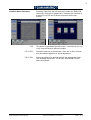
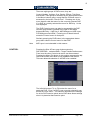
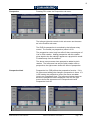
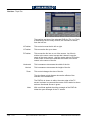
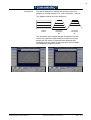
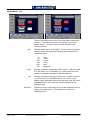
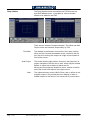
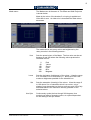
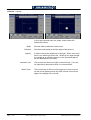
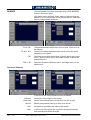
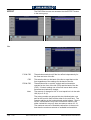
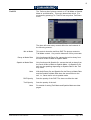
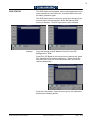
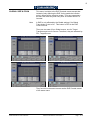
The Lighting Highlight and Lighting Shadow buttons access
the menus below :
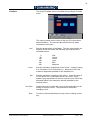
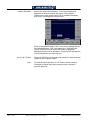
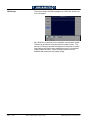
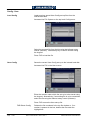
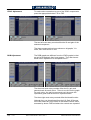
The left side buttons are the same as previously.
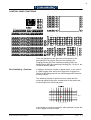
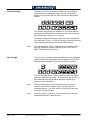
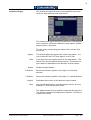
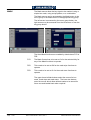
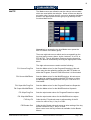
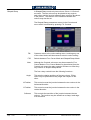
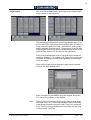
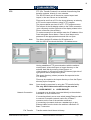
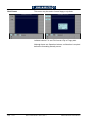
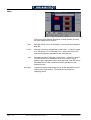
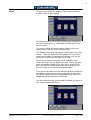
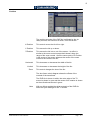
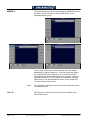
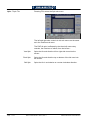
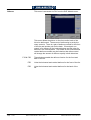
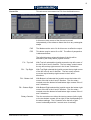
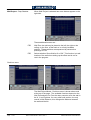
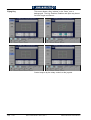
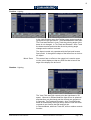
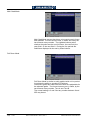
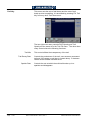
The rotary controls affect the highlight on the rear of the
turning page and the shadow cast on the top of the turning
page by that part of the page that is turning.
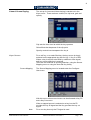
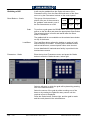
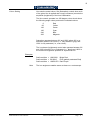
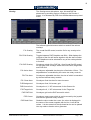
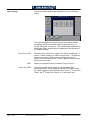
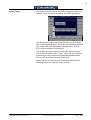
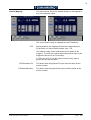
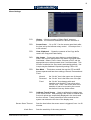
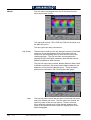
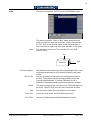
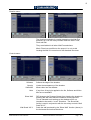
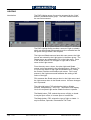
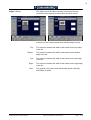
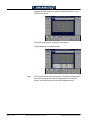
The controls, which are totally independent for the Highlight
and Shadow sub menus, have the following effect :
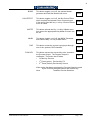
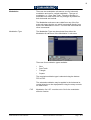
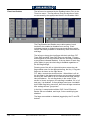
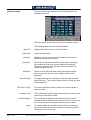
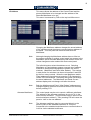
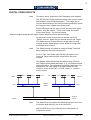
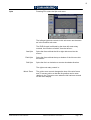
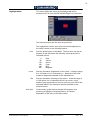
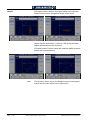
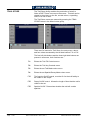
Position
Width
Softness
Opacity
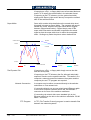
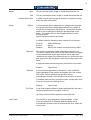
Page - D 12
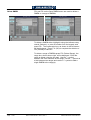
This control moves the highlight/shadow across the page
relative to the curve of the turn.
Adjusts the width of the highlight/shadow.
Adjusts how sharp of soft-edged the bar of highlight/shadow is.
Affects the opacity/transparency of the highlight/shadow bar.
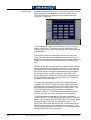
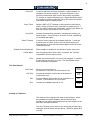
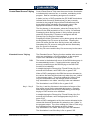
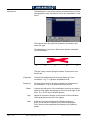
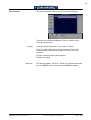
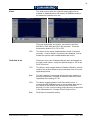
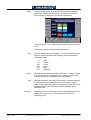
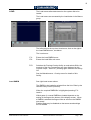
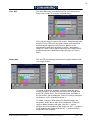
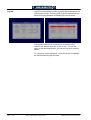
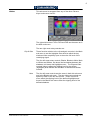
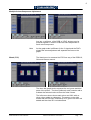
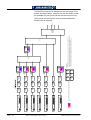
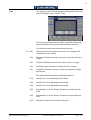
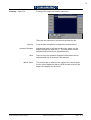
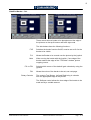
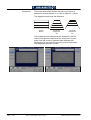
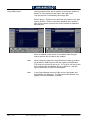
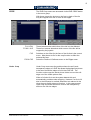
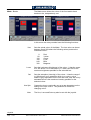
Ambient level
Controls the brightness of the parts of the page outside the bar
of highlight /shadow.
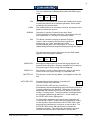
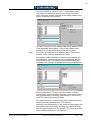
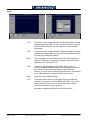
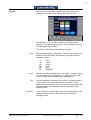
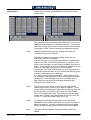
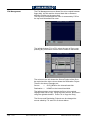
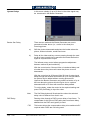
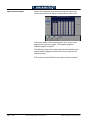
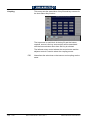
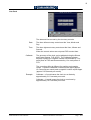
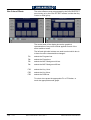
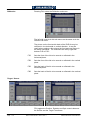
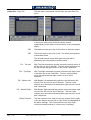
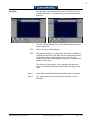
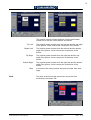
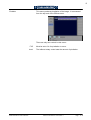
F1R Lighting
On/Off toggle for the Highlight/Shadow effect. An independent
control for each function, must be set to On for the highlight or
shadow effect to be visible.
SD1512 User Manual - Issue 9, Rev 1
S&W Production & Post Production