1
C
COLOUR CORRECTOR
There are two types of colour correction/adjustment in the
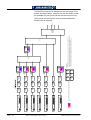
SD1512. Correction/adjustment may be applied by source or
by bus. Source Colour Correction applies the adjustment to a
source regardless of which bus it is selected on. Bus Colour
Effects applies the adjustment to a whole bus so that any
source selected on that bus receives the same adjustment.
Note
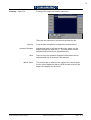
The Source Colour Correction and Bus Colour Effects menus
require that Option Card /O is fitted.
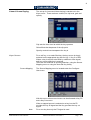
Source Colour Correction
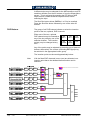
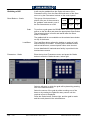
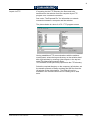
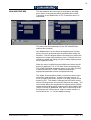
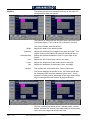
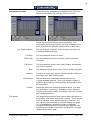
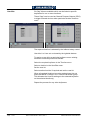
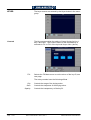
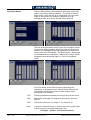
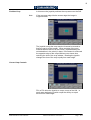
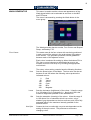
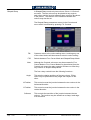
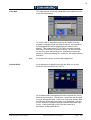
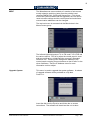
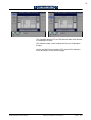
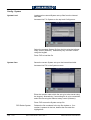
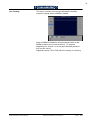
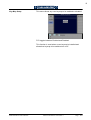
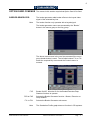
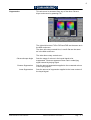
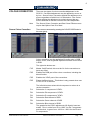
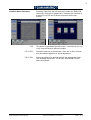
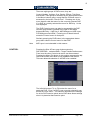
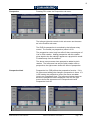
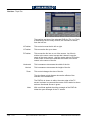
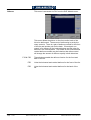
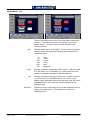
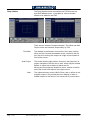
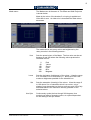
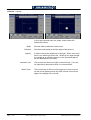
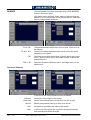
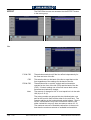
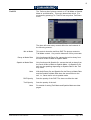
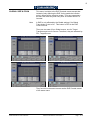
The menus are accessed by pressing the COLOR CORR button in
the menu group.
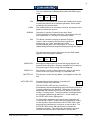
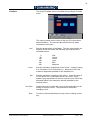
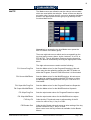
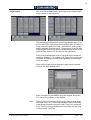
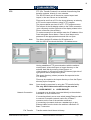
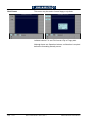
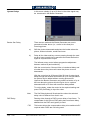
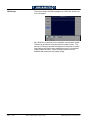
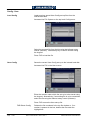
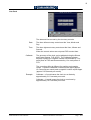
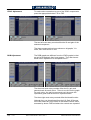
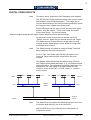
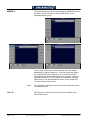
Colour correction may be applied as lift and/or gain, in RGB
and/or YPbPr, and as gamma adjustment and/or colour bleed
in RGB.
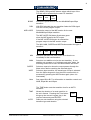
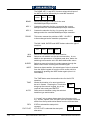
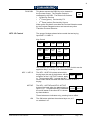
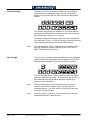
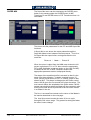
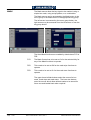
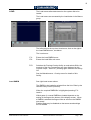
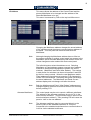
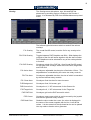
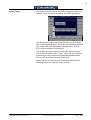
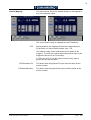
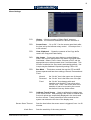
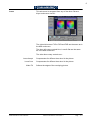
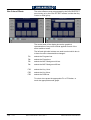
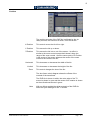
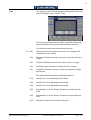
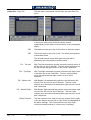
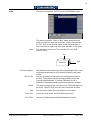
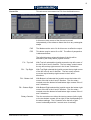
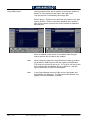
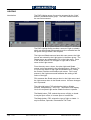
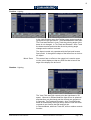
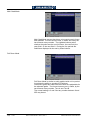
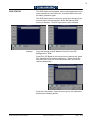
The right side buttons are :
F1R
Master On/Off switch, this must be On for the corrections to
have any effect.
F2R
Enables the RGB part of the colour corrections, including the
bleed function.
F3R
Enables the YPbPr part of the corrections.
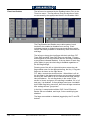
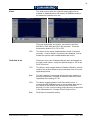
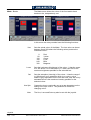
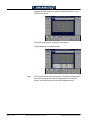
F6R
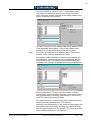
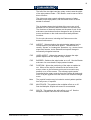
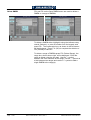
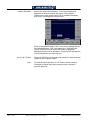
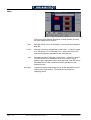
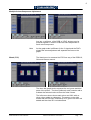
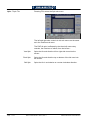
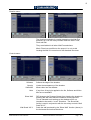
Enters the Bleed menu. This button is only present when one
of F4L to F6L is selected.
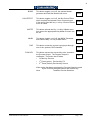
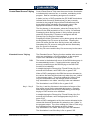
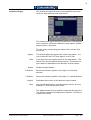
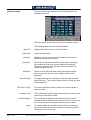
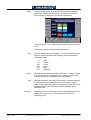
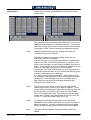
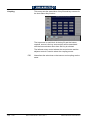
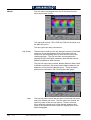
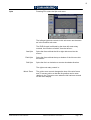
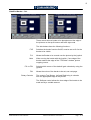
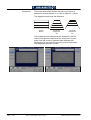
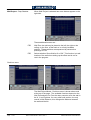
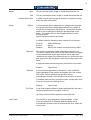
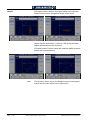
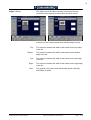
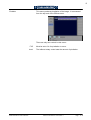
The left side buttons select which component or colour is to
receive correction :
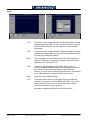
F1L
Selects the Y component of YPbPr.
F2L
Selects the Pb component of YPbPr.
F3L
Selects the Pr component of YPbPr.
F4L
Selects the Red channel of RGB.
F5L
Selects the Green channel of RGB.
F6L
Selects the Blue channel of RGB.
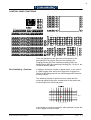
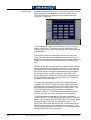
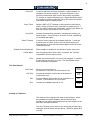
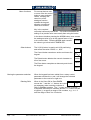
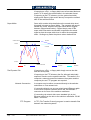
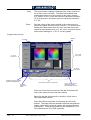
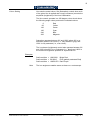
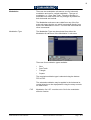
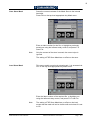
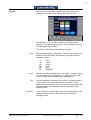
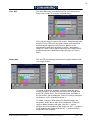
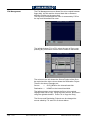
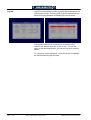
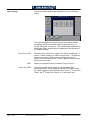
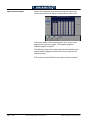
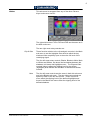
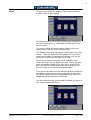
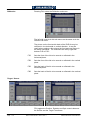
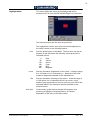
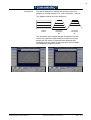
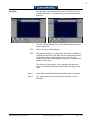
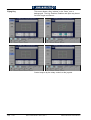
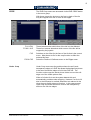
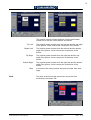
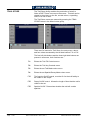
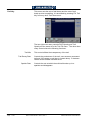
The graphs for the YPbPr adjustments (lift & gain) have two
scales. One, in white from 0% to 100%, for the Y component
and the other, in green from -100% to +100% for the Pb and
Pr components.
S&W Production & Post Production
SD1512 User Manual - Issue 9, Rev 1
Page - C 15