1
Override Commands
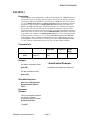
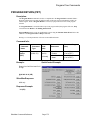
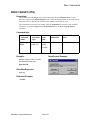
Stop (STP)
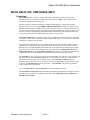
Description:
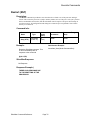
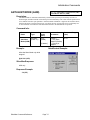
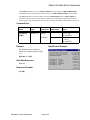
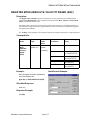
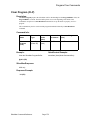
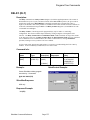
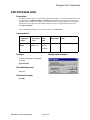
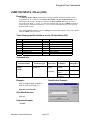
The Stop command exits the executing program or motion and goes into Hold. If a motion is running,
the Deceleration parameter sets the deceleration as follows: If “0”, it uses the executing command’s
acceleration value for deceleration. If this value is positive, it uses the given deceleration value. If the
deceleration parameter is negative, the unit does an immediate stop (directly to Hold). The Target
value is set to the present position. If the unit is not executing a motion, any Program type command
executing is terminated and the unit returns to idle.
When the Stop command is sent the Program Buffer is over-written (similar to a Clear Buffer). The
Program Buffer must be loaded again (Load Program or Load and Run Program) for Program
execution.
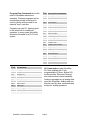
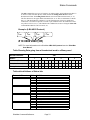
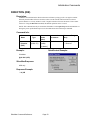
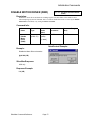
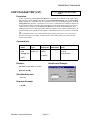
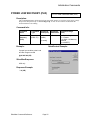
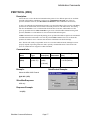
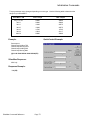
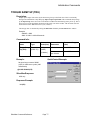
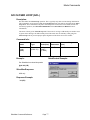
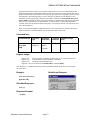
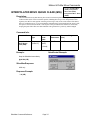
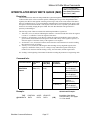
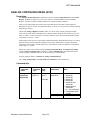
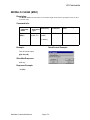
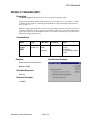
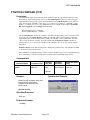
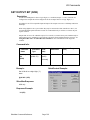
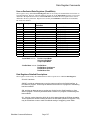
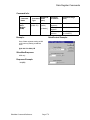
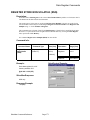
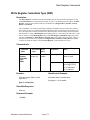
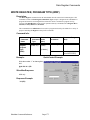
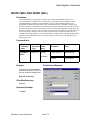
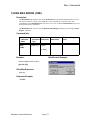
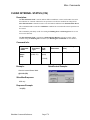
Command Info:
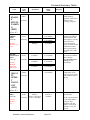
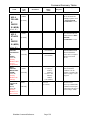
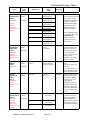
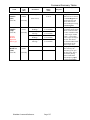
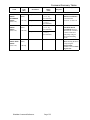
Command
Name
Command
Type
Stop (STP)
Immediate
(Class “A”)
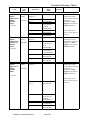
Command
Code
(Hex)
3
(0x3)
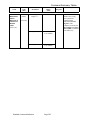
Parameter Range
(Hex)
<<Deceleration>>
-1 = Stop Immediate
or
0 = Stop using
previous
Acceleration
or
1 to 536,870,911
(1 to 0x1FFFFFFF)
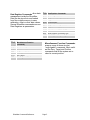
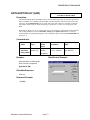
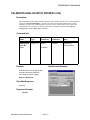
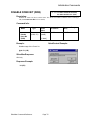
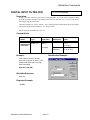
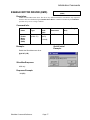
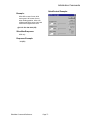
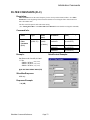
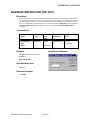
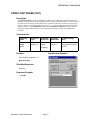
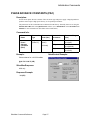
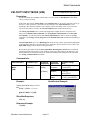
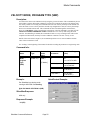
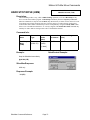
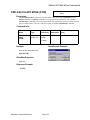
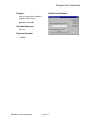
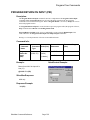
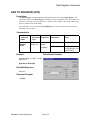
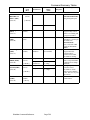
QuickControl Example:
Example:
Immediate (Host) Mode Command
Only
Stop the SilverMax using the previous
command Acceleration parameter
@16 3 0 (CR)
SilverMax Response:
ACK only
Response Example:
* 10 (CR)
SilverMax Command Reference
Command
Parameters
Page 29