1
Program Flow Commands
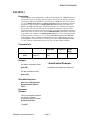
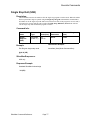
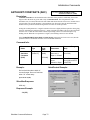
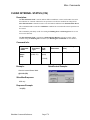
LOAD AND RUN PROGRAM (LRP)
Description:
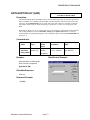
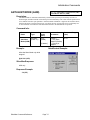
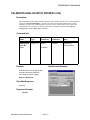
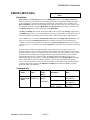
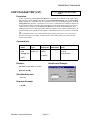
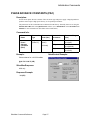
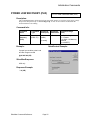
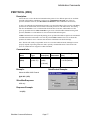
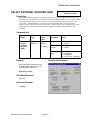
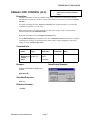
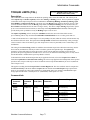
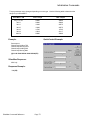
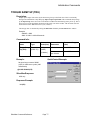
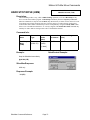
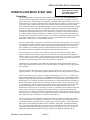
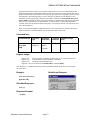
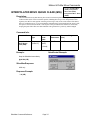
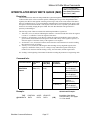
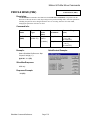
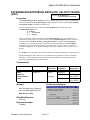
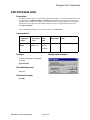
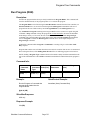
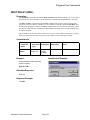
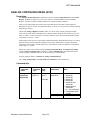
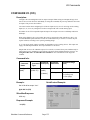
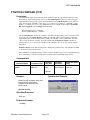
The Load and Run Program transfers a program from the non-volatile memory to the Program
Buffer and once loaded, the program is executed. This command combines the function of the Load
Program and the Run Program together in one command. The Load and Run Program is designed
to be placed inside of programs to enable branching off to other programs stored in NV memory.
The content in the first NV Memory Address of the program is the Length in words of the program
size and the Checksum of the program. The first command is read from the address following the
Length & Checksum word, with subsequent words transferred up to the size indicated in the Length.
During the load process, the data is used to calculate a Checksum value. When the load is complete,
the calculated Checksum is compared to the stored Checksum. If the Checksums do not agree, Bit #14
in the Polling Status Word is set (“1”) to indicate a program load failure. (This may occur if data
and/or programs overlap their usage in non-volatile memory.)
After a load is complete and no errors were encountered, a Run Program will be initiated starting the
program and dropping SilverMax into the Program Mode. Programs that contain errors will shut
down the motor and exit execution when an error is encountered. Bit #12 (Program errors) of the
Polling Status Word will be set indicating program execution error.
The program will remain in the buffer until removed by the Clear Buffer command or over loaded by
another Load Program command.
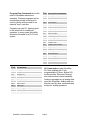
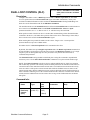
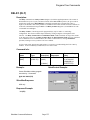
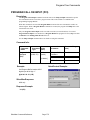
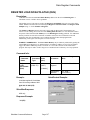
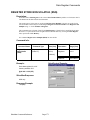
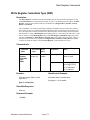
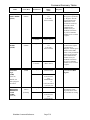
Command Info:
Command Name
Load And Run
Program
(LRP)
Command Type
Program
(Class “D”)
Command
Code (Hex)
Command
Parameters
Parameter
Range(Hex)
156
(0x9C)
<NV Memory
Address >
0 to 3839
(0 to 0x0EFF)
[2 Words]
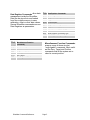
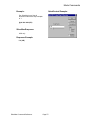
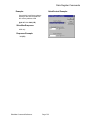
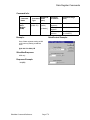
Example:
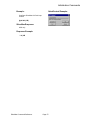
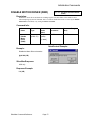
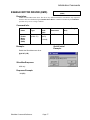
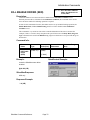
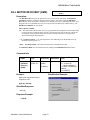
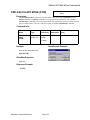
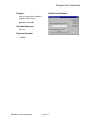
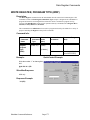
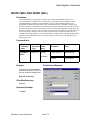
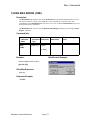
QuickControl Example:
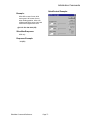
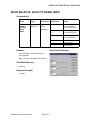
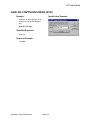
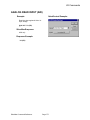
Load and Run the Program stored at
NV Memory Address #150.
@16 156 150 (CR)
SilverMax Response:
ACK only
Response Example:
* 10 (CR)
SilverMax Command Reference
Page 136