1
How To...
Loading an Application
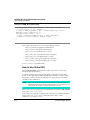
When you start the Debugger with this command line, it executes the command
specified in the file init.cmd after loading the layout (or project file).
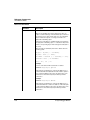
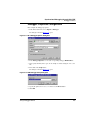
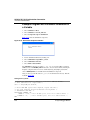
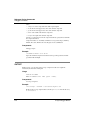
• Call the command file from the project file (Listing 6.2). The project file, where the
layout and connection component can be saved (File > Save), is a normal text file
that contains command line commands to restore the context of a project. After
creating this file with the save command, you can extend it with a call to the
command file (CALL INIT.CMD). When this project is loaded by the File > Open
command or by the corresponding entry in the Project file, commands in this file are
executed.
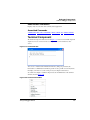
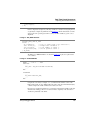
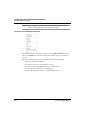
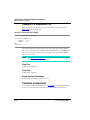
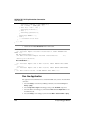
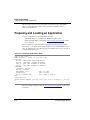
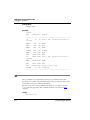
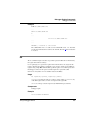
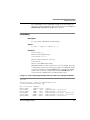
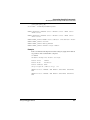
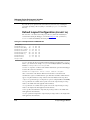
Listing 6.2 Calling a Command File from the Project File
set Sim
CLOSE *
call \Freescale\DEMO\test.hwl
call init.cmd
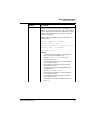
• Call the command file when the Connection component is loaded. Most connection
components execute the command file STARTUP.CMD once the connection
component is loaded and initialized. By adding the call command file in this file (for
example, CALL INIT.CMD), it automatically executes when the connection
component loads.
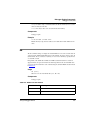
NOTE
Refer to section Starting the Debugger.
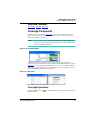
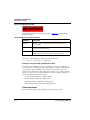
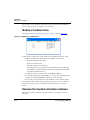
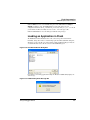
Loading an Application
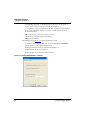
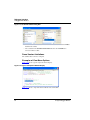
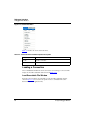
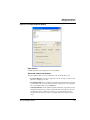
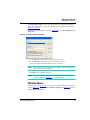
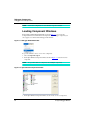
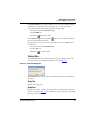
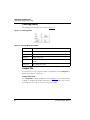
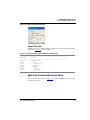
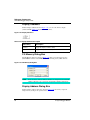
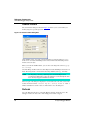
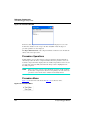
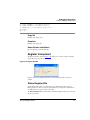
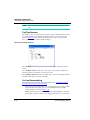
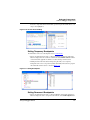
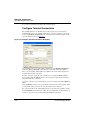
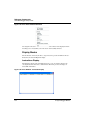
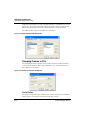
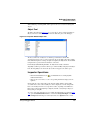
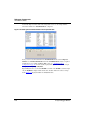
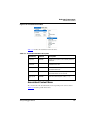
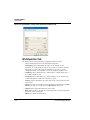
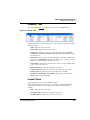
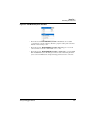
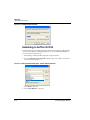
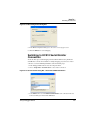
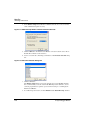
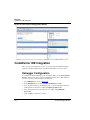
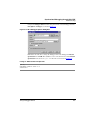
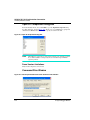
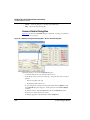
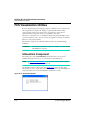
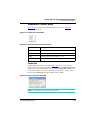
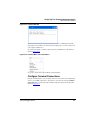
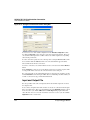
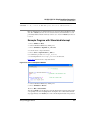
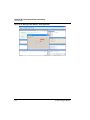
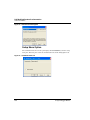
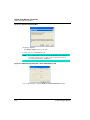
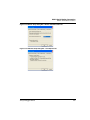
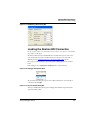
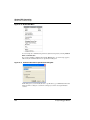
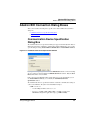
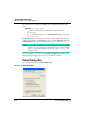
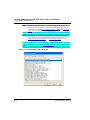
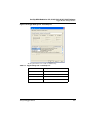
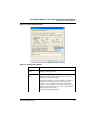
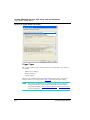
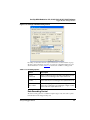
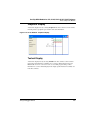
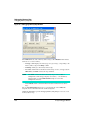
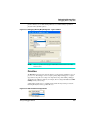
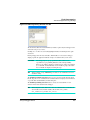
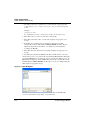
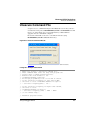
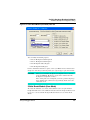
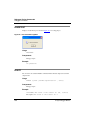
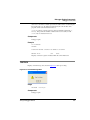
1. Choose HC12FCS > Load. The LoadObjectFile dialog box opens.
2. Select an application (for example FIBO.ABS).
3. Click OK. The dialog box closes and the application loads in the Debugger.
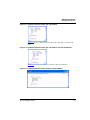
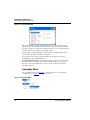
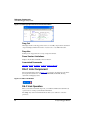
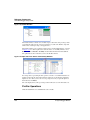
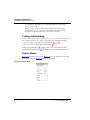
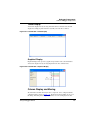
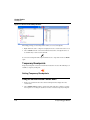
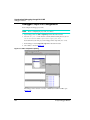
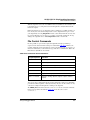
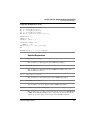
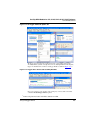
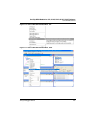
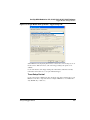
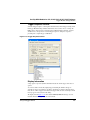
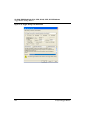
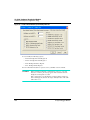
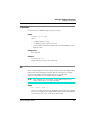
The Source component contains source from the module containing the entry point for the
application (usually the startup module). The highlighted statement is the entry point.
The Assembly component contains the corresponding disassembled code. The highlighted
statement is the entry point.
The Global Data component contains the list of global variables defined in the module
containing the application entry point.
The Local Data component is empty.
The PC in the Register component is initialized with the PC value from the application
entry point.
234
S12(X) Debugger Manual