1
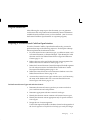
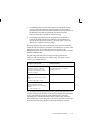
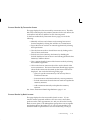
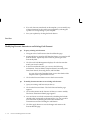
Note: If you upgraded your applications from a previous
release: Cash Management and Payroll’s preupgrade step
generates bank accounts for Cash Management based on the
existing payment methods. If bank accounts are missing from
your Cash Management responsibility, make sure that the post
upgrade step ran successfully, and correct any problems with
the bank account information in the Payment Method window.
5.
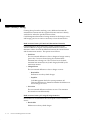
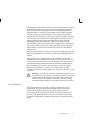
To use the Journal Entry Line reconciliation feature from your
Payroll bank accounts in Cash Management, specify a cash account
and set of books. The set of books you specify here should be the
same set of books you assign to the GL: Set of Books Name profile
option for your Cash Management responsibility.
6.
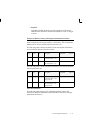
You can view the Bank Account set up in Payroll in Cash
Management only if you set the CE: Bank Account Security Access
profile option accordingly.
7.
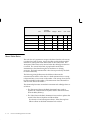
Set up the following Bank Transactions Codes in Cash Management
for the Bank Account defined in Payroll: Payments, Stopped
Payments.
Setting Up
2 – 15