1
R&S®FSW
Trying Out the Instrument
Measuring a Basic Signal
a)
b)
c)
d)
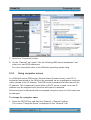
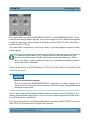
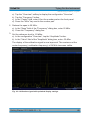
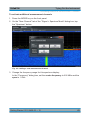
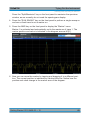
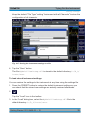
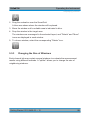
Tap the "Overview" softkey to display the configuration "Overview".
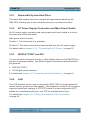
Tap the "Frequency" button.
In the "Center" field, enter 64 on the number pad on the front panel.
Press the "MHz" key next to the number pad.
2. Reduce the span to 20 MHz:
a) In the "Span" field of the "Frequency" dialog box, enter 20 MHz.
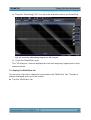
b) Close the "Frequency" dialog box.
3. Set the reference level to -25 dBm:
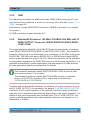
a) In the configuration "Overview", tap the "Amplitude" button.
b) In the "Value" field of the "Amplitude" dialog box, enter -25 dBm.
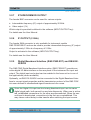
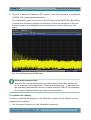
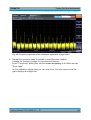
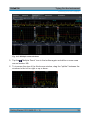
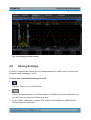
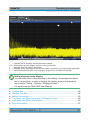
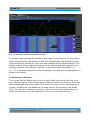
The display of the calibration signal is now improved. The maximum at the
center frequency (=calibration frequency) of 64 MHz becomes visible.
Fig. 4-2: Calibration signal with optimized display settings
Getting Started 1312.9420.02 ─ 15
60